AsyncAPI
The Talisman AsyncAPI Designer is the central workspace for architecting event-driven systems. It allows developers to model the flow of data between internal microservices and external systems using a visual, topology-first approach.
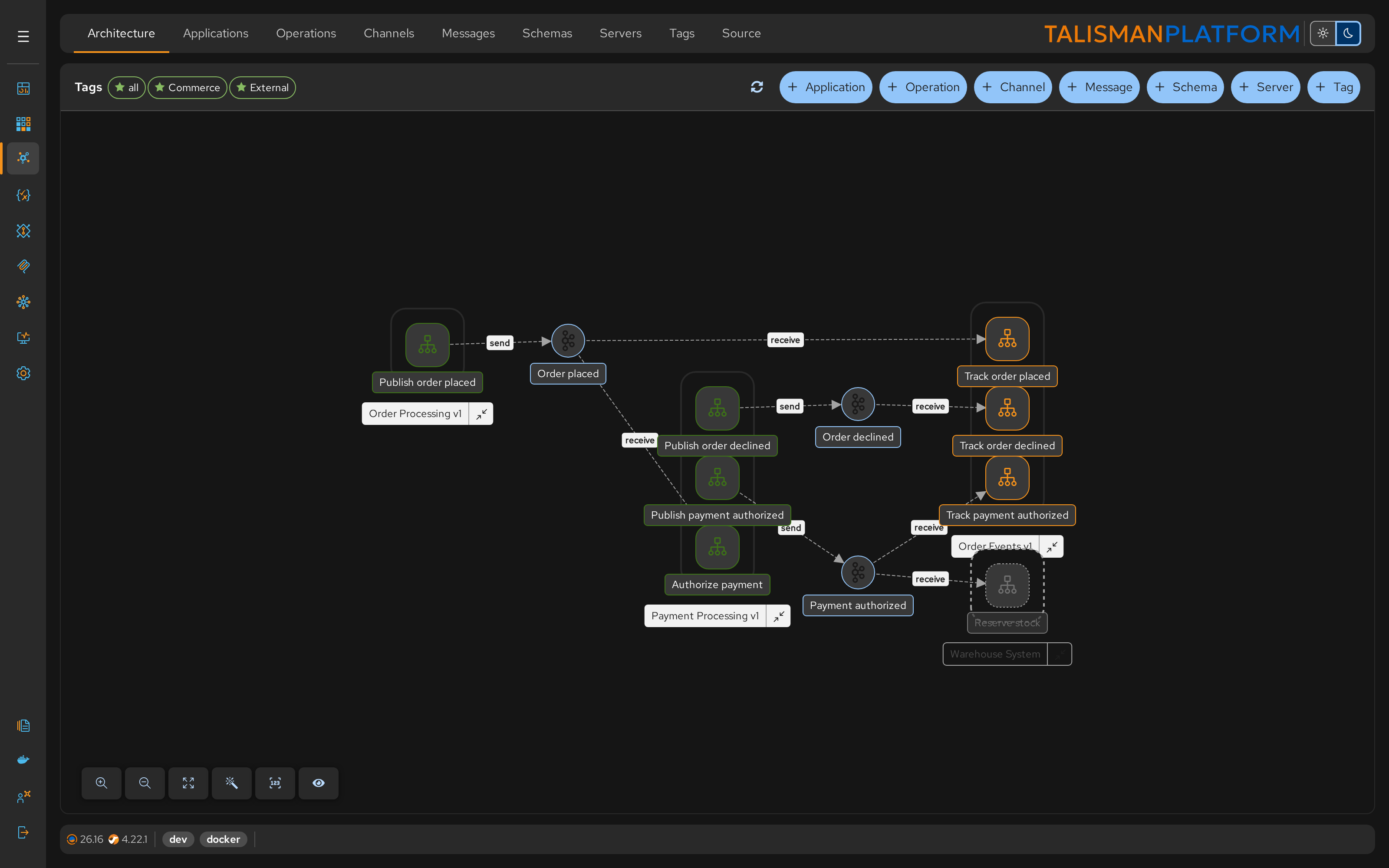
The Designer maintains the AsyncAPI document landscape-asyncapi.json in the Contracts project, which serves as the "Single Source of Truth" for your platform's event contracts. Open it from Architecture; pick a tag, or all, to show the applications.
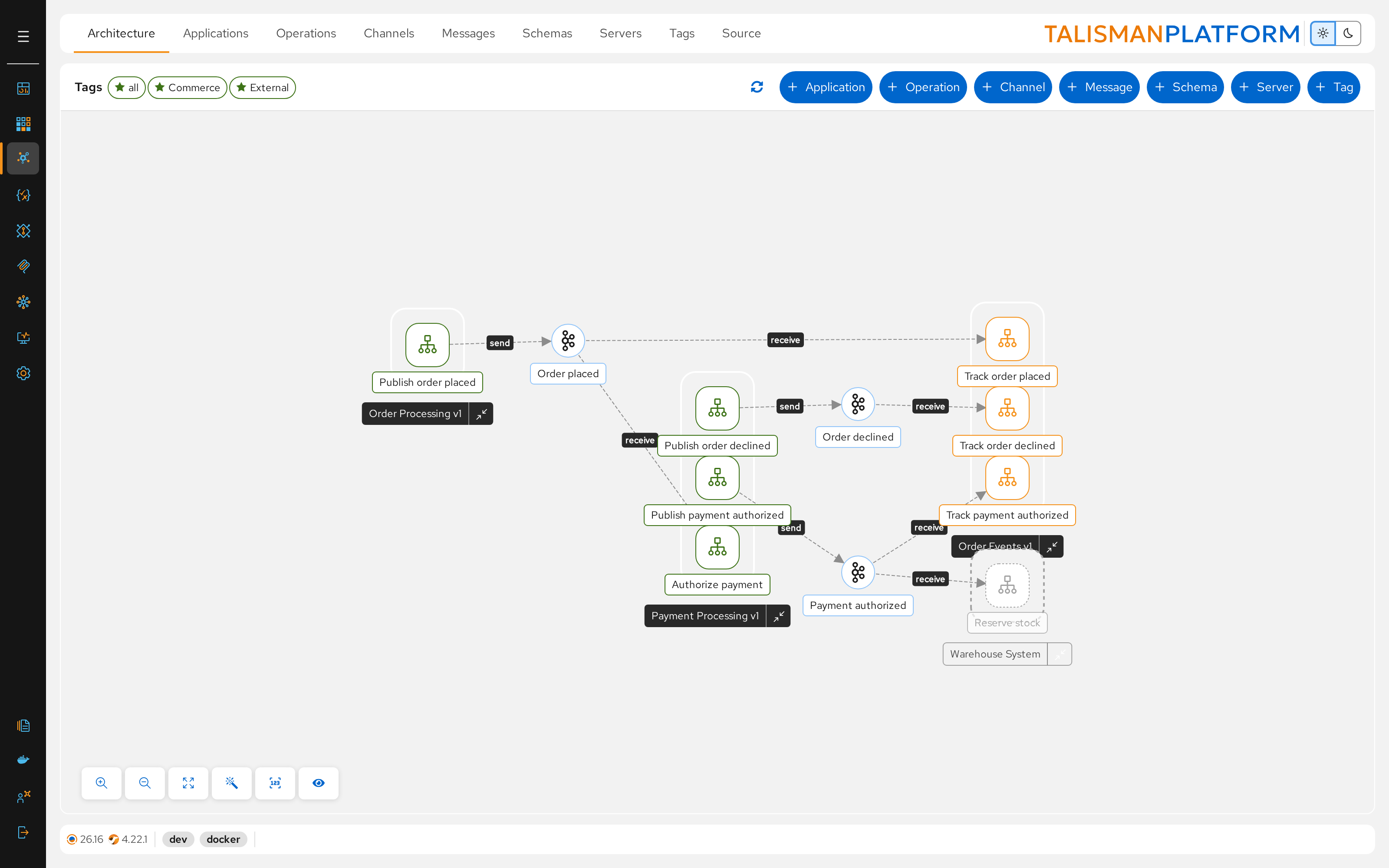
Architecture Overview
The design process follows a 3-phase workflow: Configuration → Topology → Generation.
graph TD
    %% PHASE 1: CONFIGURATION
    subgraph P1 [Configuration]
        direction TB
        Beans(Create Beans)
        Templates(Create Templates)
        Schema(Create Schemas)
    end

    %% PHASE 3: AsyncAPI
    subgraph P3 [AsyncAPI Topology]
        direction TB
        Server(Create Server)
        Channel(Create Channel)
        Operations(Create Operations)
        Message(Define Messages)

        Message --> Channel
        Channel --> Operations
    end

    %% PHASE 4: CODE GENERATION
    subgraph P4 [Generation]
        direction TB
        GenProj(Generate Project)
        GenRoute(Generate Routes)

        GenProj --> GenRoute
    end

    %% CONNECTIONS BETWEEN PHASES

    Beans --> Server
    Templates --> Server

    Schema --> Message

    Server --> Channel

    Operations --> GenProj

    Templates -.-> GenRoute

    %% Styling
    style P1 fill:#fff,stroke:#333,stroke-dasharray: 3 3
    style P3 fill:#fff,stroke:#333,stroke-dasharray: 3 3
    style P4 fill:#fff,stroke:#333,stroke-dasharray: 3 3

    style GenProj fill:#e978261a,color:#E97826,stroke:#E97826
    style GenRoute fill:#e978261a,color:#E97826,stroke:#E97826
    style Templates fill:#e978261a,color:#E97826,stroke:#E97826
    style Beans fill:#e978261a,color:#E97826,stroke:#E97826
    style Schema fill:#4bb9ec1a,color:#4bb9ec,stroke:#4bb9ec
Configuration (Pre-requisites)
Before drawing lines on a graph, you must define the building blocks. These assets act as the "library" that your topology will reference.
Create Beans
Define the low-level connection details for your brokers, if the component needs them.
- File: a configuration template, e.g.
landscape-artemis-beans.camel.yaml, linked as the server's Config Template. - Purpose: Handles SSL context, authentication, and connection pooling.
- Example: a JMS
ConnectionFactorybean for Artemis. - Location: the Templates project
Create Templates
Create the reusable Camel route logic using placeholders.
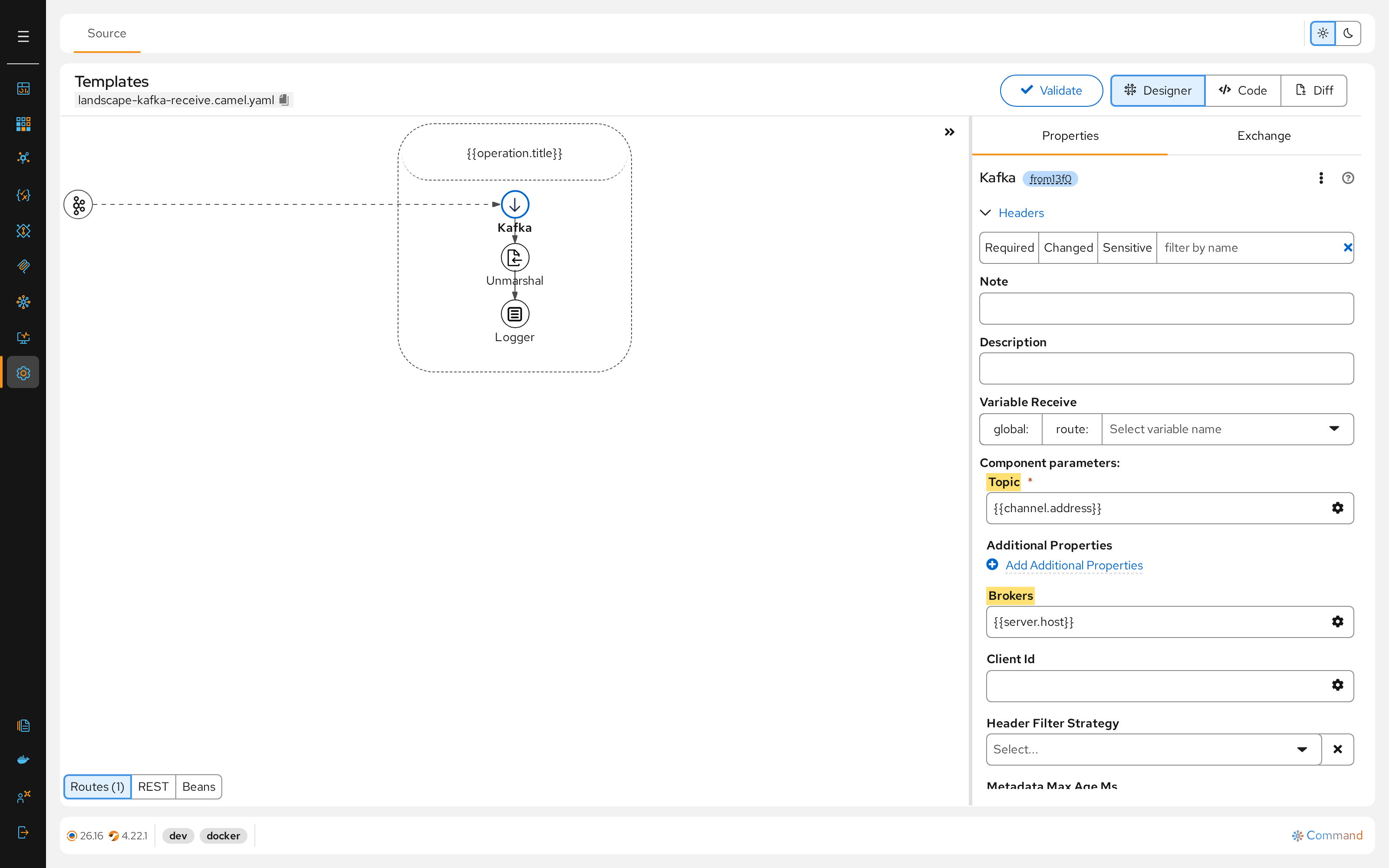
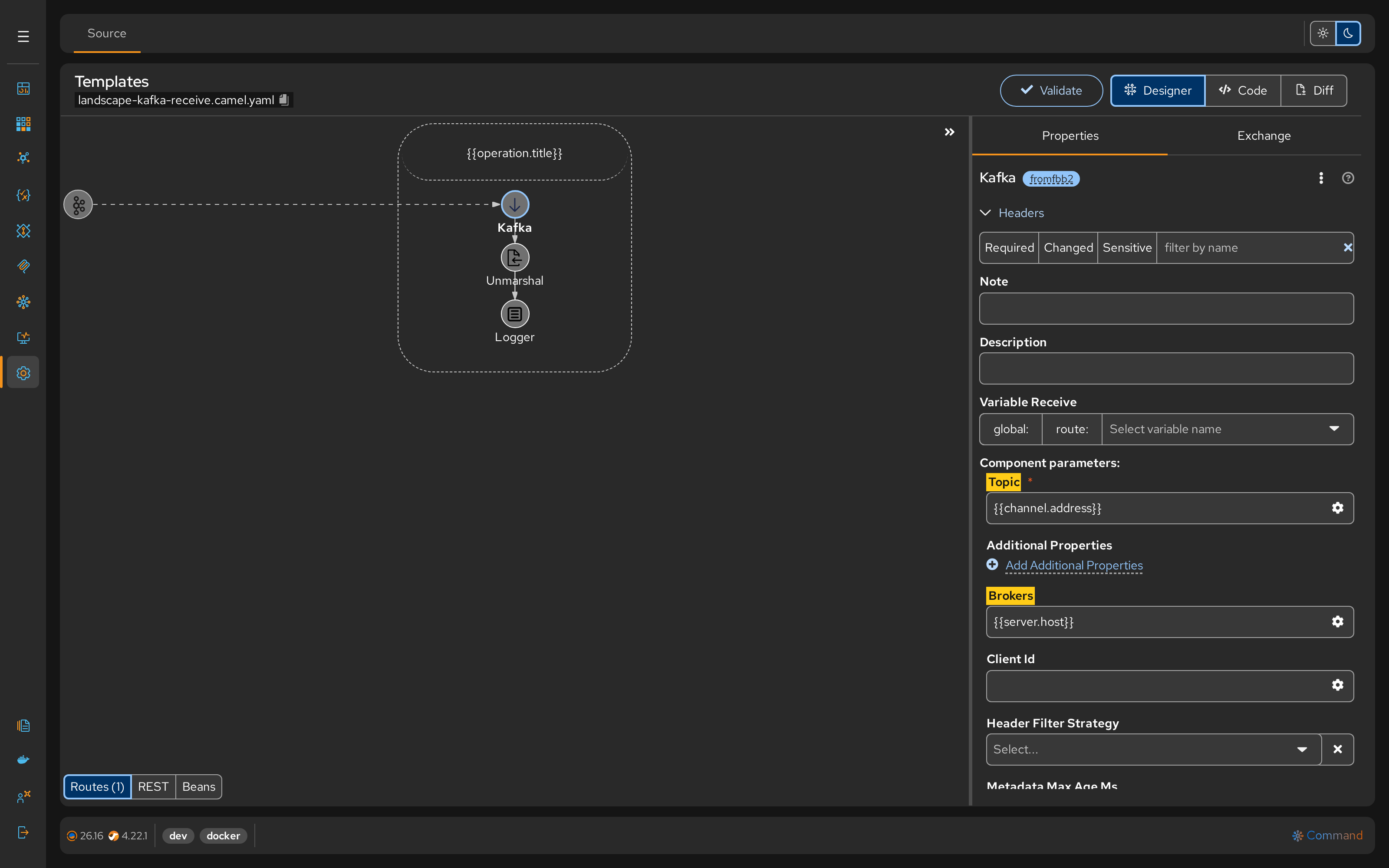
- Send Template: Logic for publishing (e.g., set headers, log body).
- Receive Template: Logic for consuming (e.g., error handling, transactions).
- Key Placeholders:
{{operationId}},{{projectId}},{{channelId}},{{channel.address}},{{server.host}},{{operation.title}}. - Location: the Templates project; the file name starts with
landscape-, e.g.landscape-kafka-receive.camel.yaml.
Create Schemas
Define Data Contracts to ensure type safety.
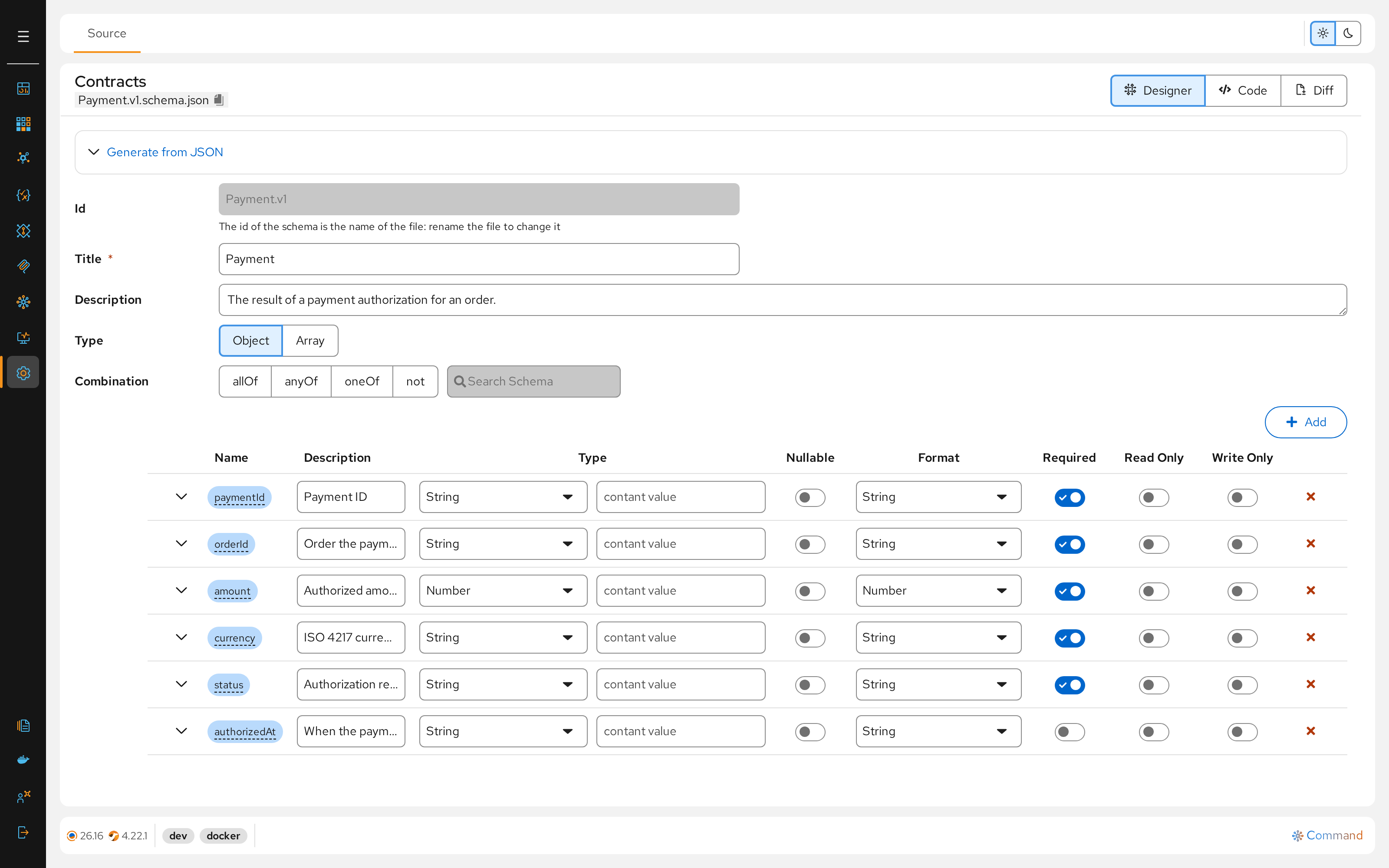
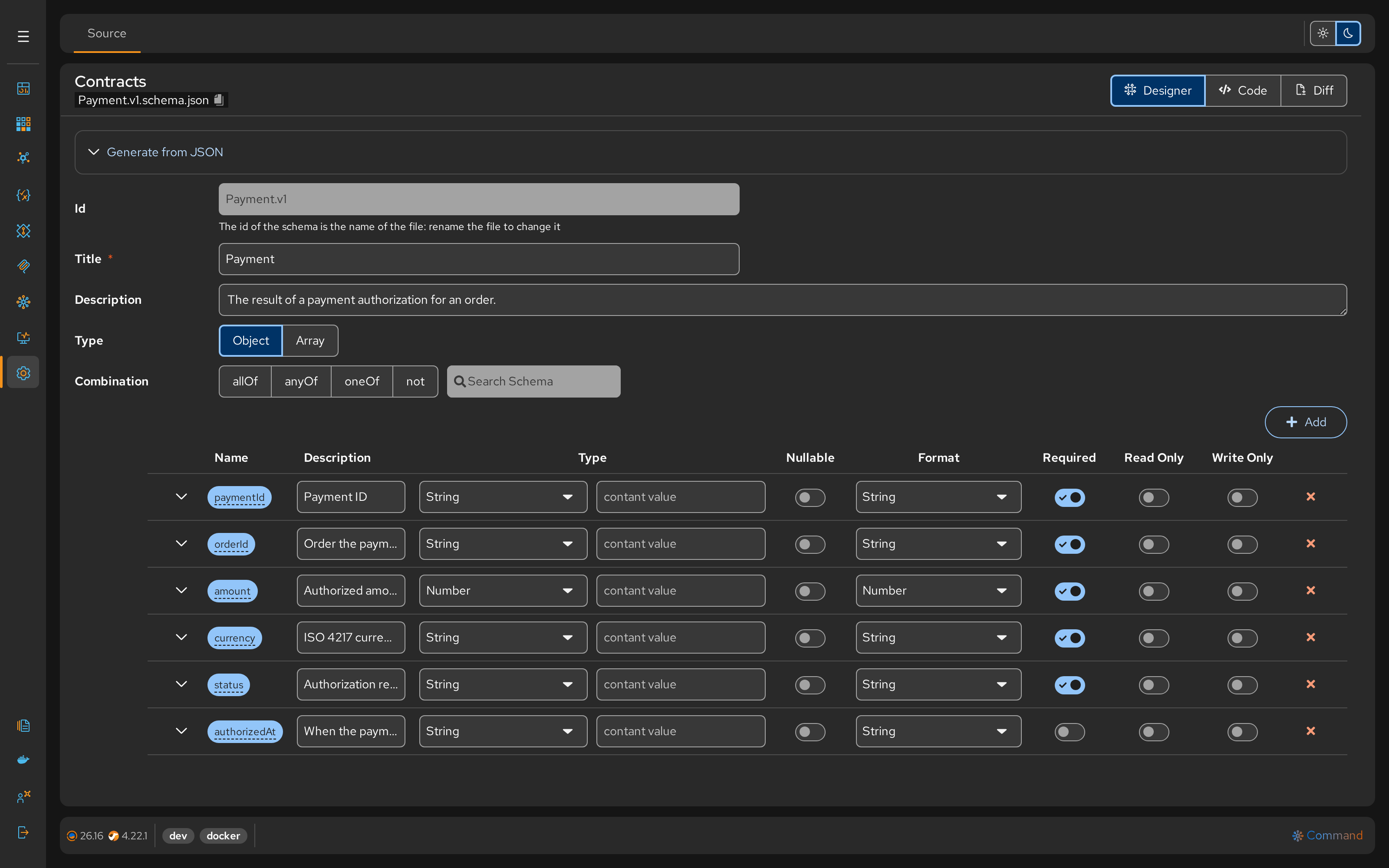
- Format: JSON Schema Draft 2020-12.
- Example:
Order.v1.schema.jsondefining the fields for an order. - Location: the Contracts project
AsyncAPI Topology
Once the configuration assets exist, you assemble them into a cohesive system map.
Create Server
Define the physical infrastructure and link it to the configuration.
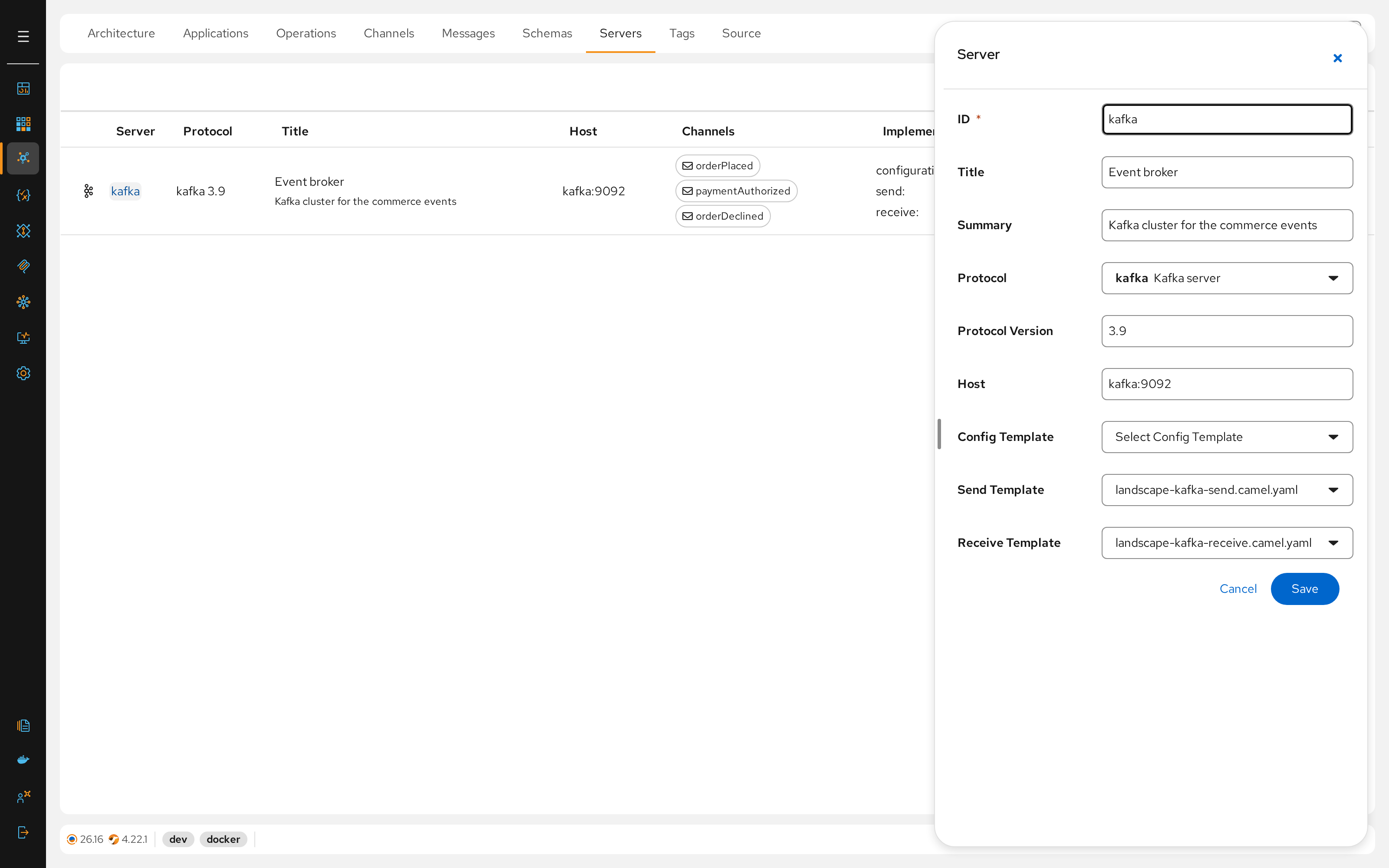
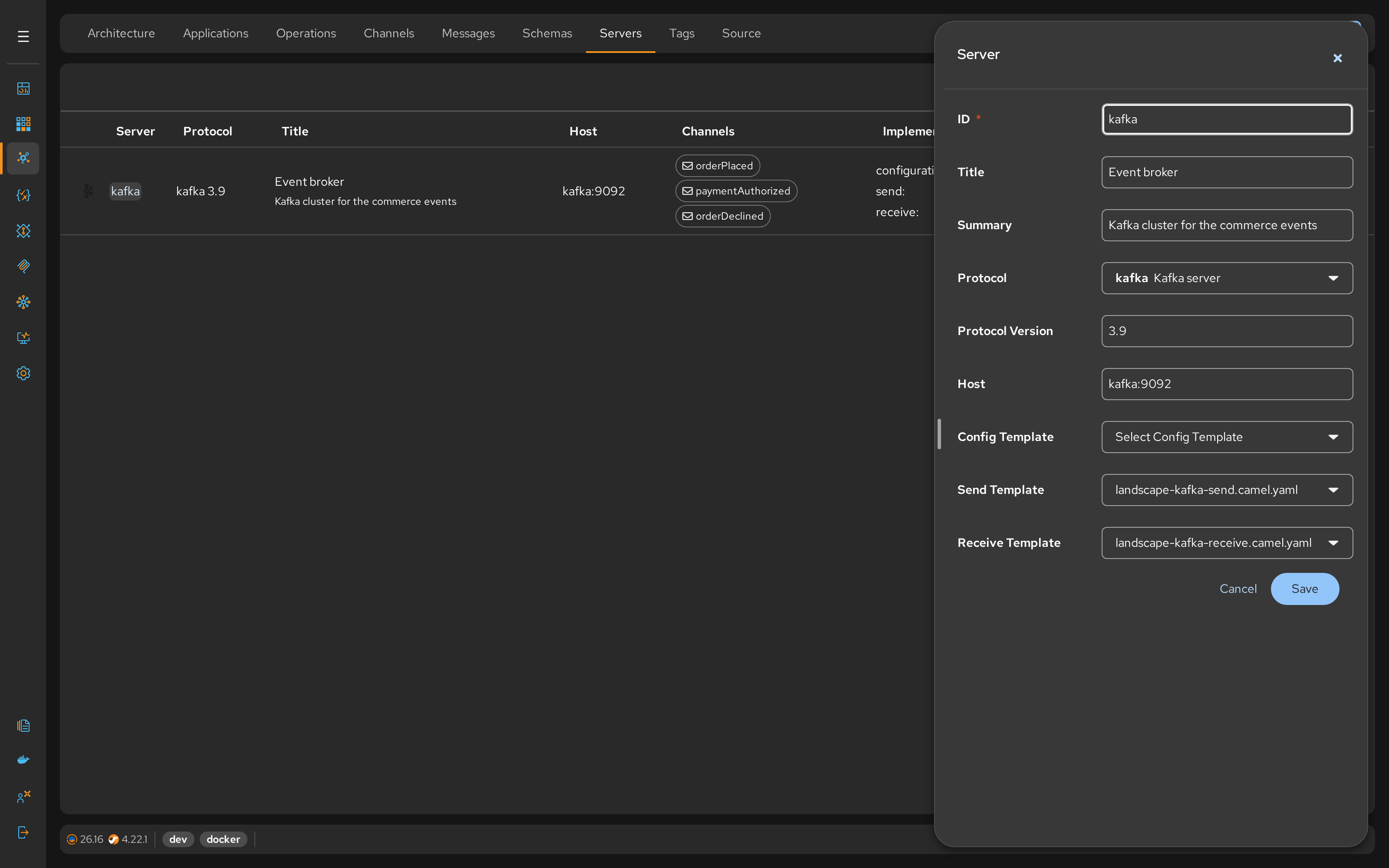
- Action: Define server (e.g.,
kafka, protocolkafka, hostkafka:9092). - Link: Select the templates in Config Template, Send Template and Receive Template.
Define Messages
Wrap your raw Schemas into formal AsyncAPI Messages.
- Action: Create
OrderPlacedmessage. - Link: Point the payload to
#/components/schemas/Order.v1.
Create Channel
Define the specific address where messages flow.
- Action: Create
orderPlacedwith addressorders.placed.v1. - Link: Assign the Server (
kafka) and the Message (OrderPlaced) to this channel.
Create Operations
Define the operations to consume from / produce into channels.
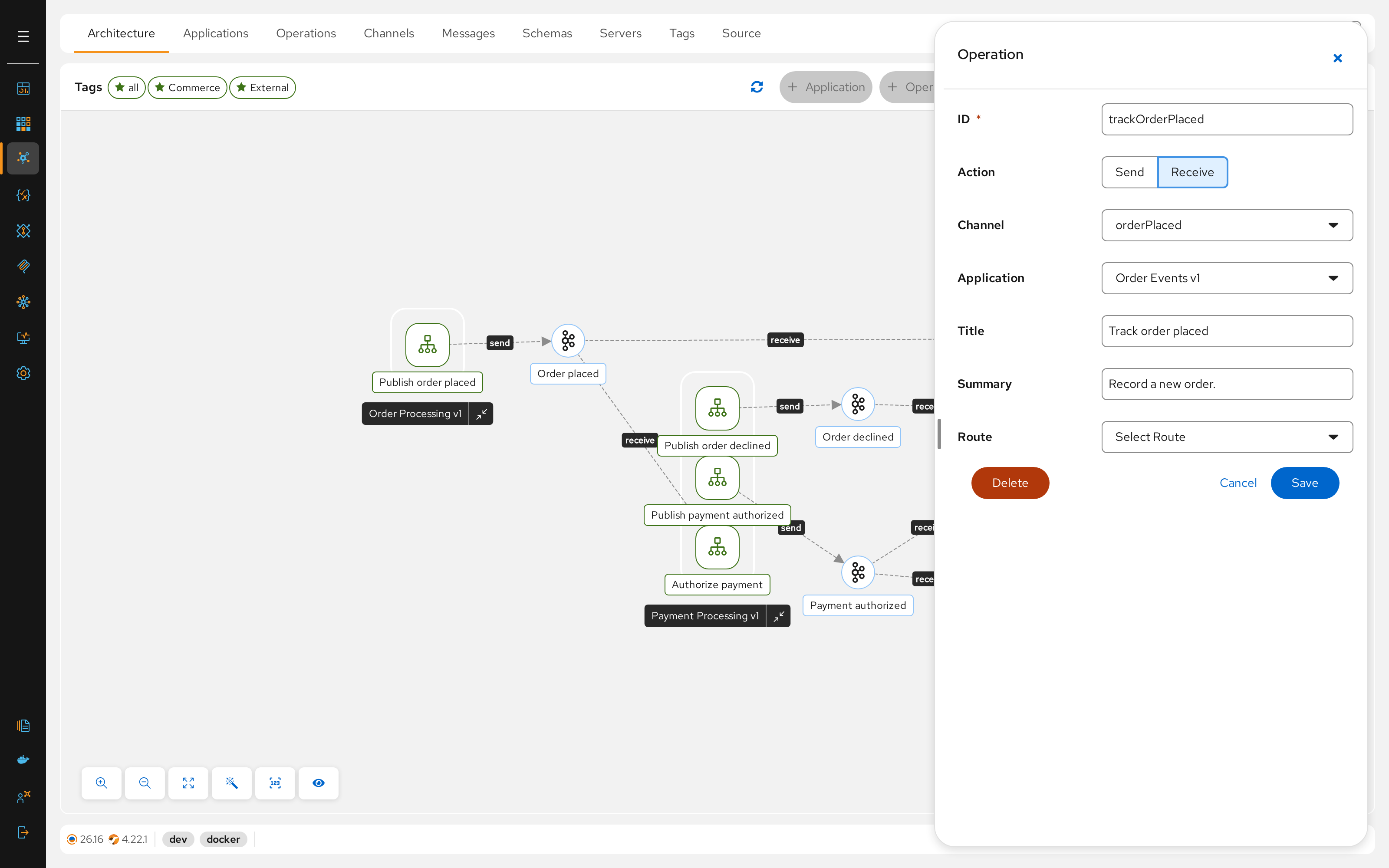
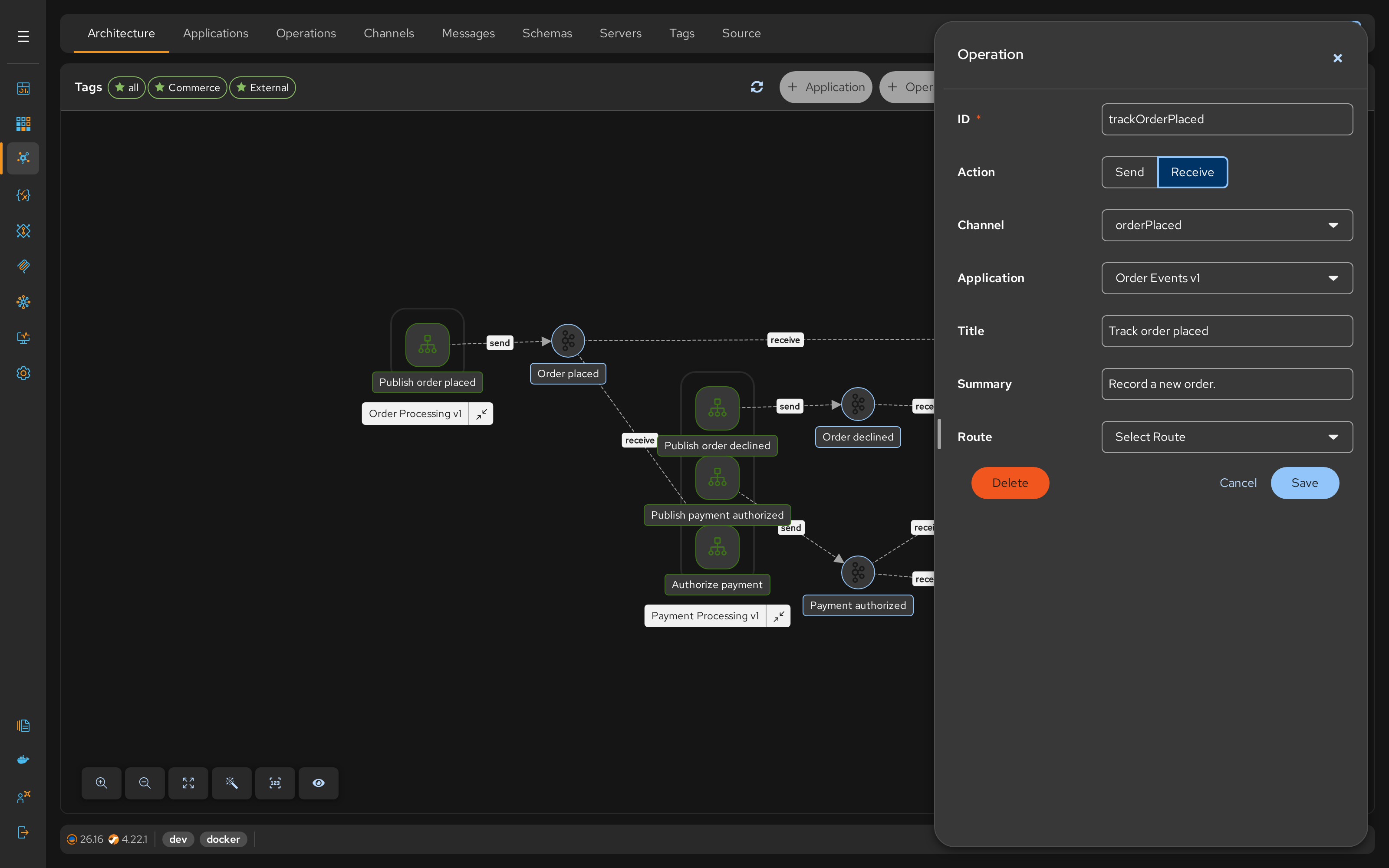
- Action: Create
trackOrderPlaced(Receive). - Application: Select the application the operation belongs to, e.g. Order Events v1. Create applications with + Application; the application ID is the ID of its project.
- Route: Optionally select a template that replaces the server's send or receive template for this operation.
- External Systems: Tag the application External if it belongs to a 3rd party, to visualize it without generating code.
Generation
The final phase transforms your visual design into executable Apache Camel code.
Generate Project
Click the application in Architecture. If its project (e.g., order-events-v1) does not exist, click Create Project: Talisman creates it with application.properties and the other starter files from the Templates project.
Generate Routes
Click Generate Routes in the application's panel. Talisman combines your Templates with the application's Operations.
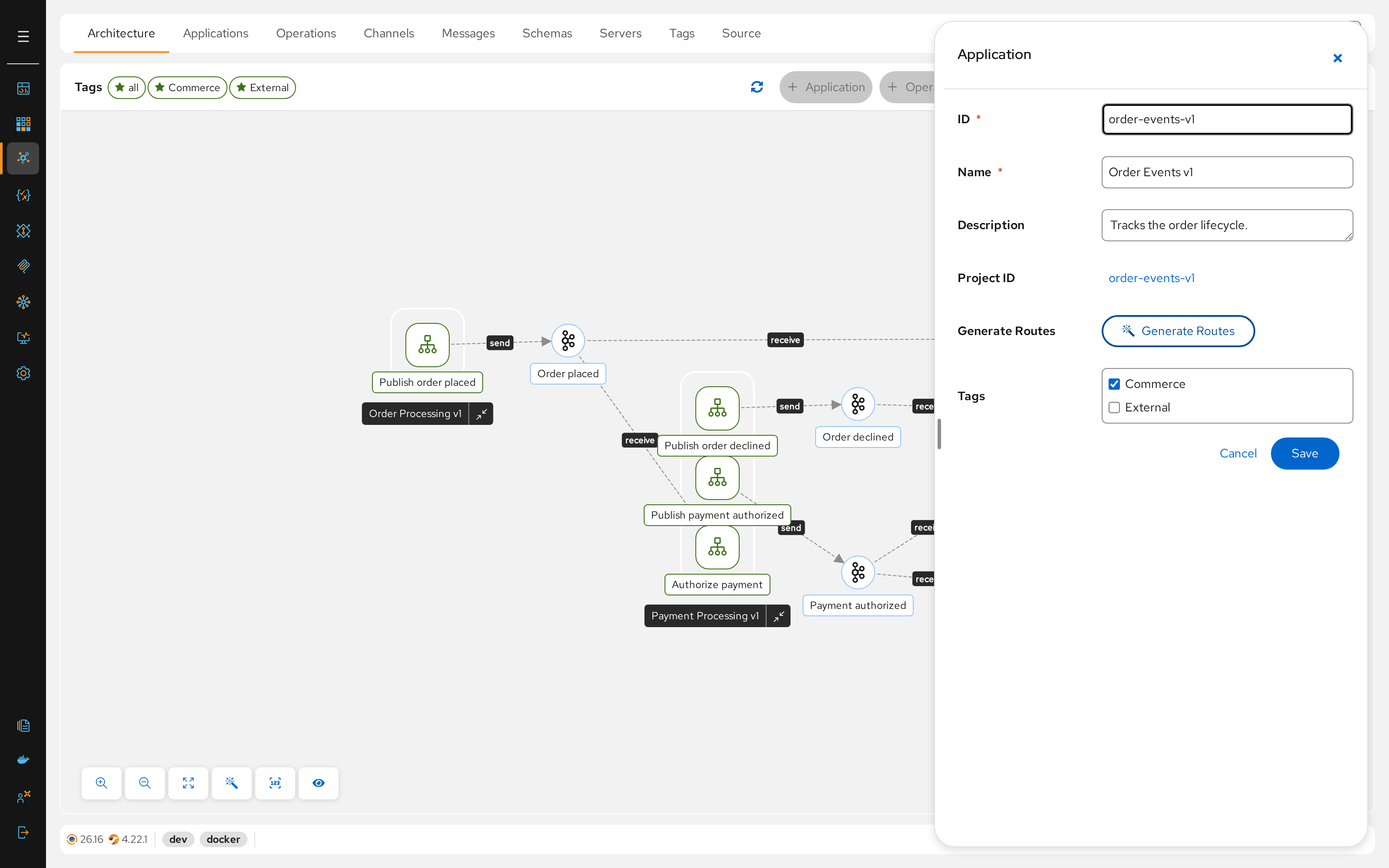
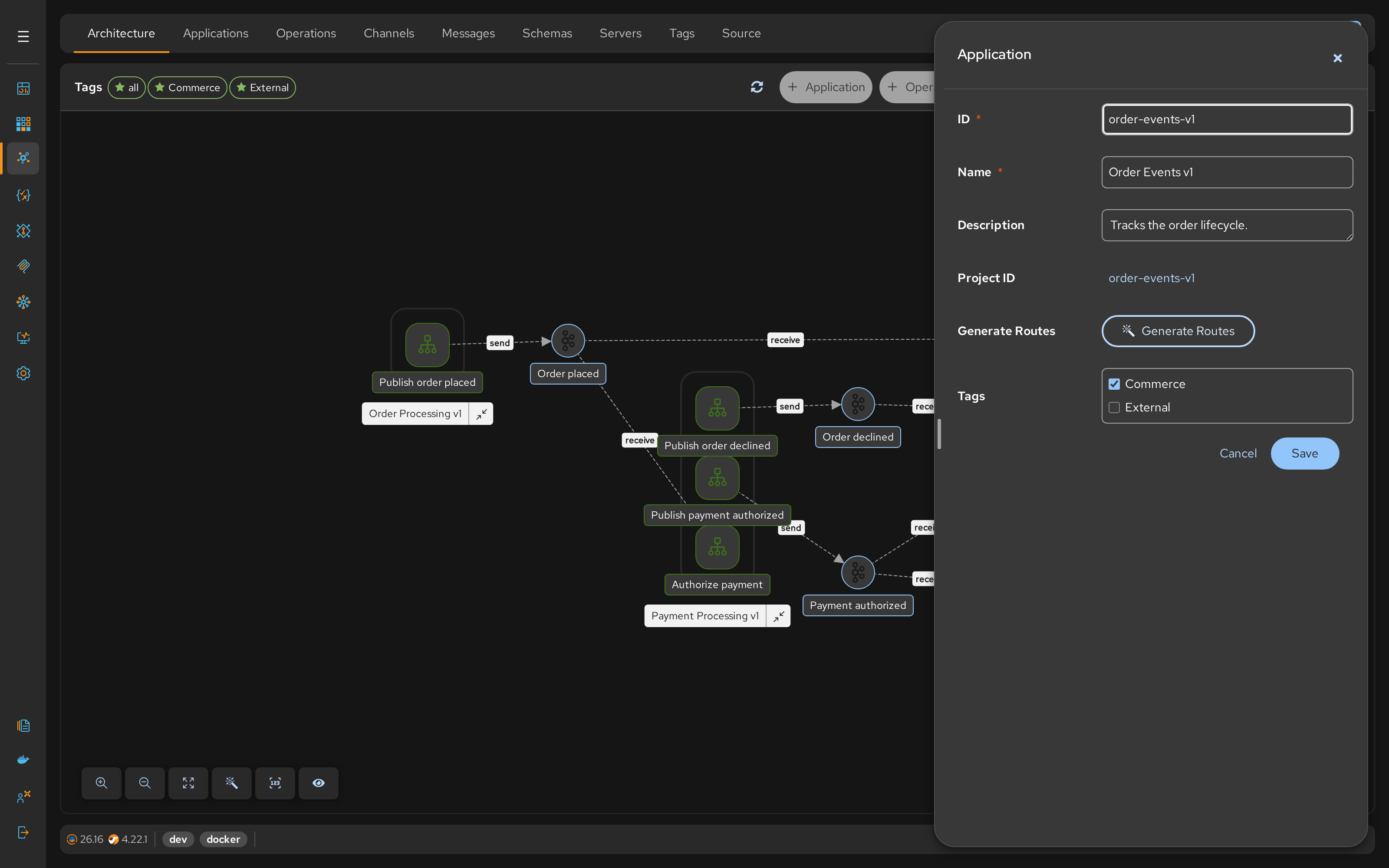
- Output: Files named
_gen_<operationId>.camel.yamlare created in the project, plus the server's configuration template, if any. - Mechanism: The placeholders in your templates are replaced with the actual values (channel addresses, server IDs, etc) from the AsyncAPI definition.
Result
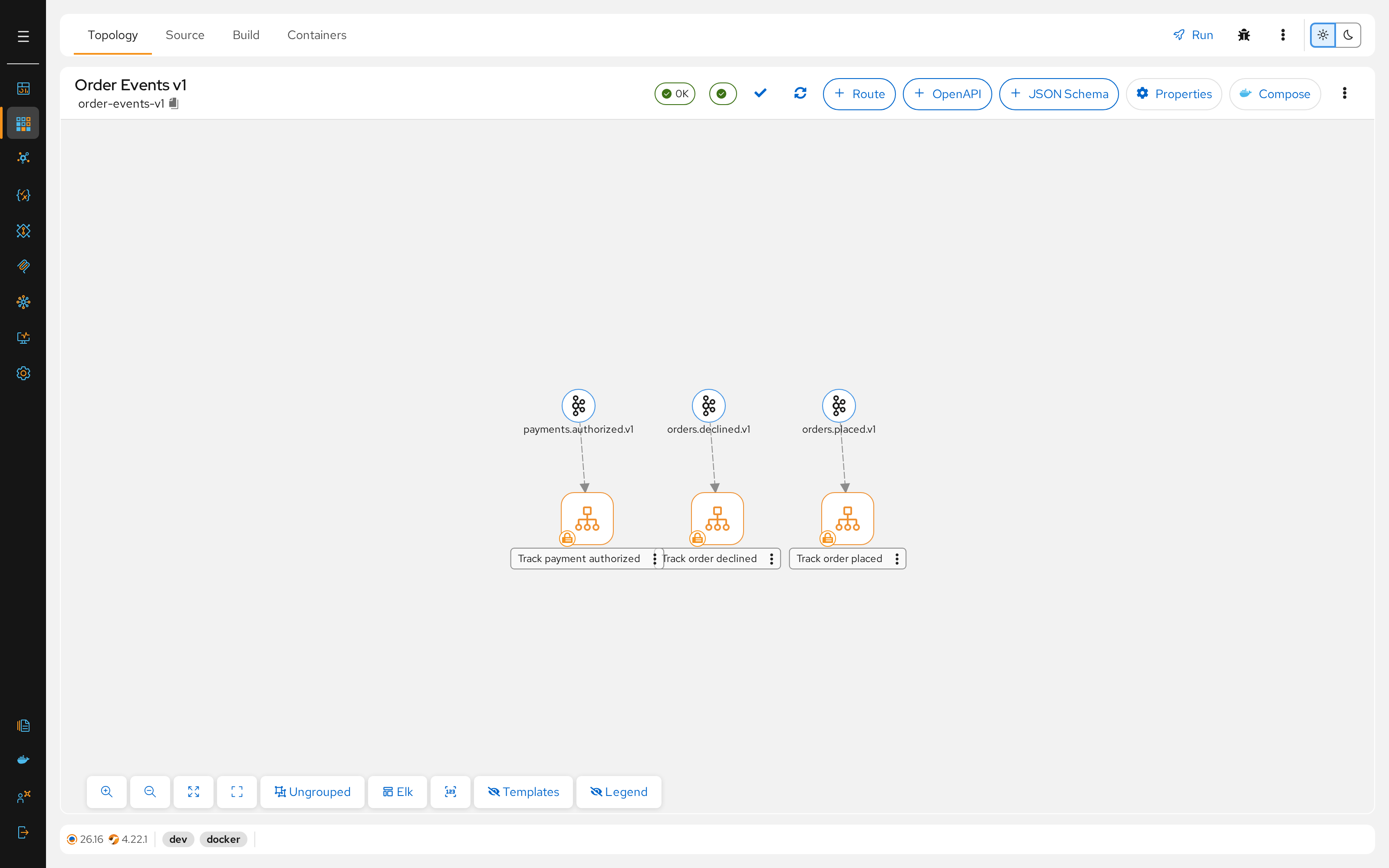
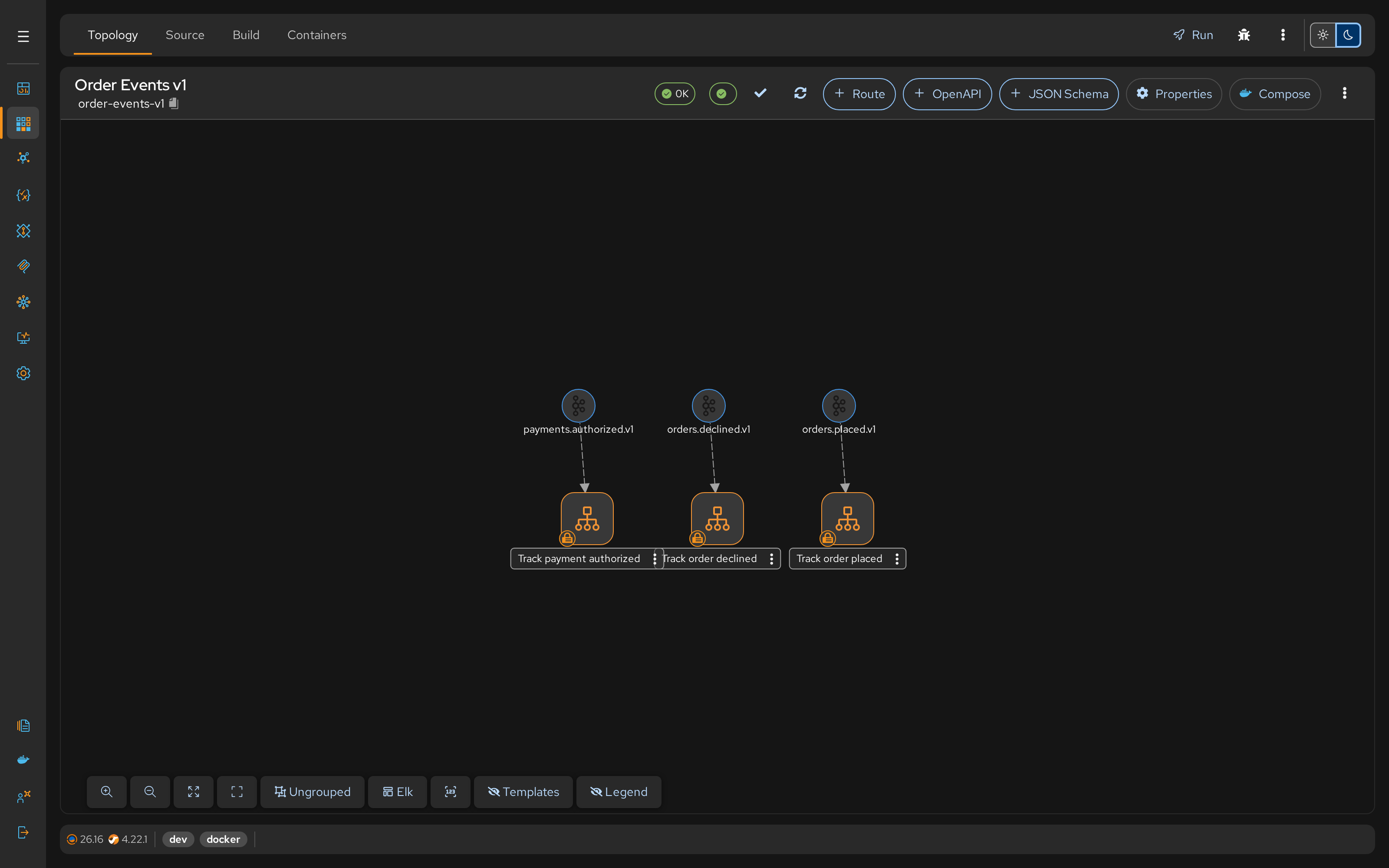
The project (e.g., order-events-v1) contains a route for each of its operations.
Runtime Observability
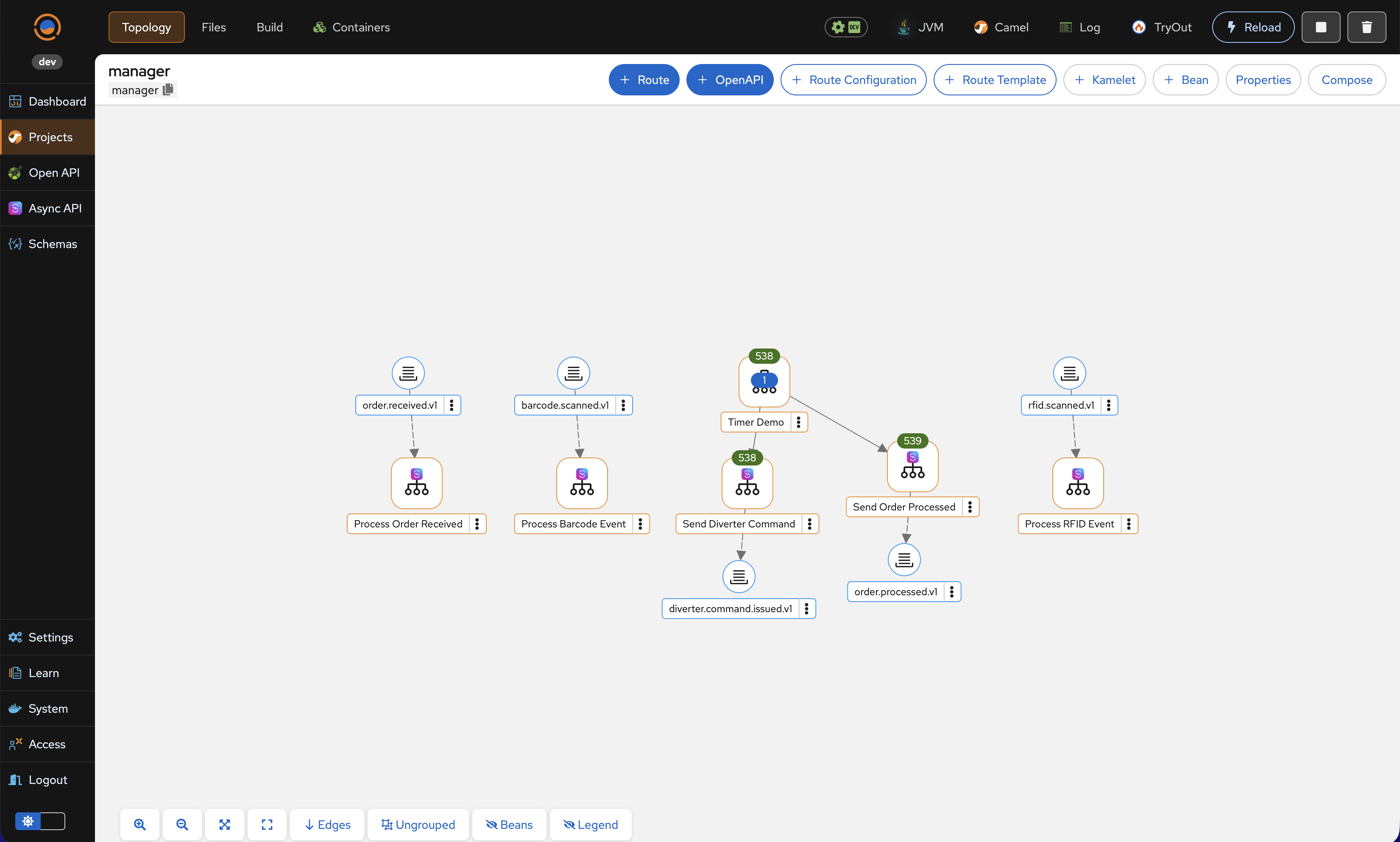
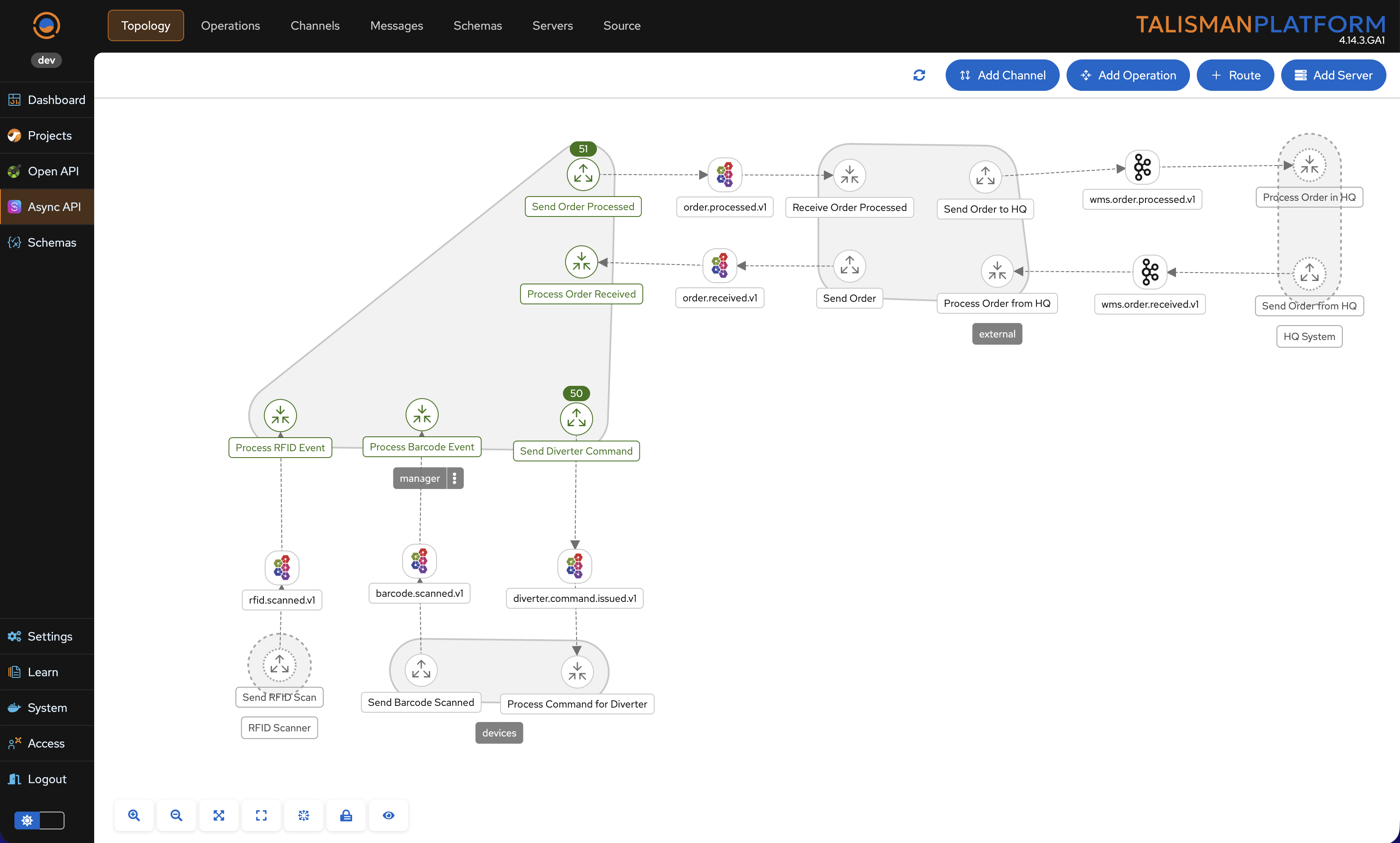
Talisman bridges the gap between Design and Runtime. When projects are deployed, the platform automatically collects throughput metrics from the running containers and overlays them onto your architecture diagrams.
High-Level Topology
Integration engineers can observe the volume of messages processed by each operation directly on the AsyncAPI Topology graph. This provides an instant "health check" of the entire system flow.
Project Drill-Down
For deeper investigation, users can drill down into a specific Project. This view displays the same live metrics at the Route Level, allowing you to identify bottlenecks or verify logic within specific Camel routes.