Studio Web
Talisman Studio Web is part of Talisman Server on dev instance.
Why Development in Web?
Studio Web offers a frictionless, zero-install experience on the Talisman Server...
- ???: ?????
- ???: ?????
- ???: ?????
- ???: ?????
Prerequisites
Talisman Server installed....
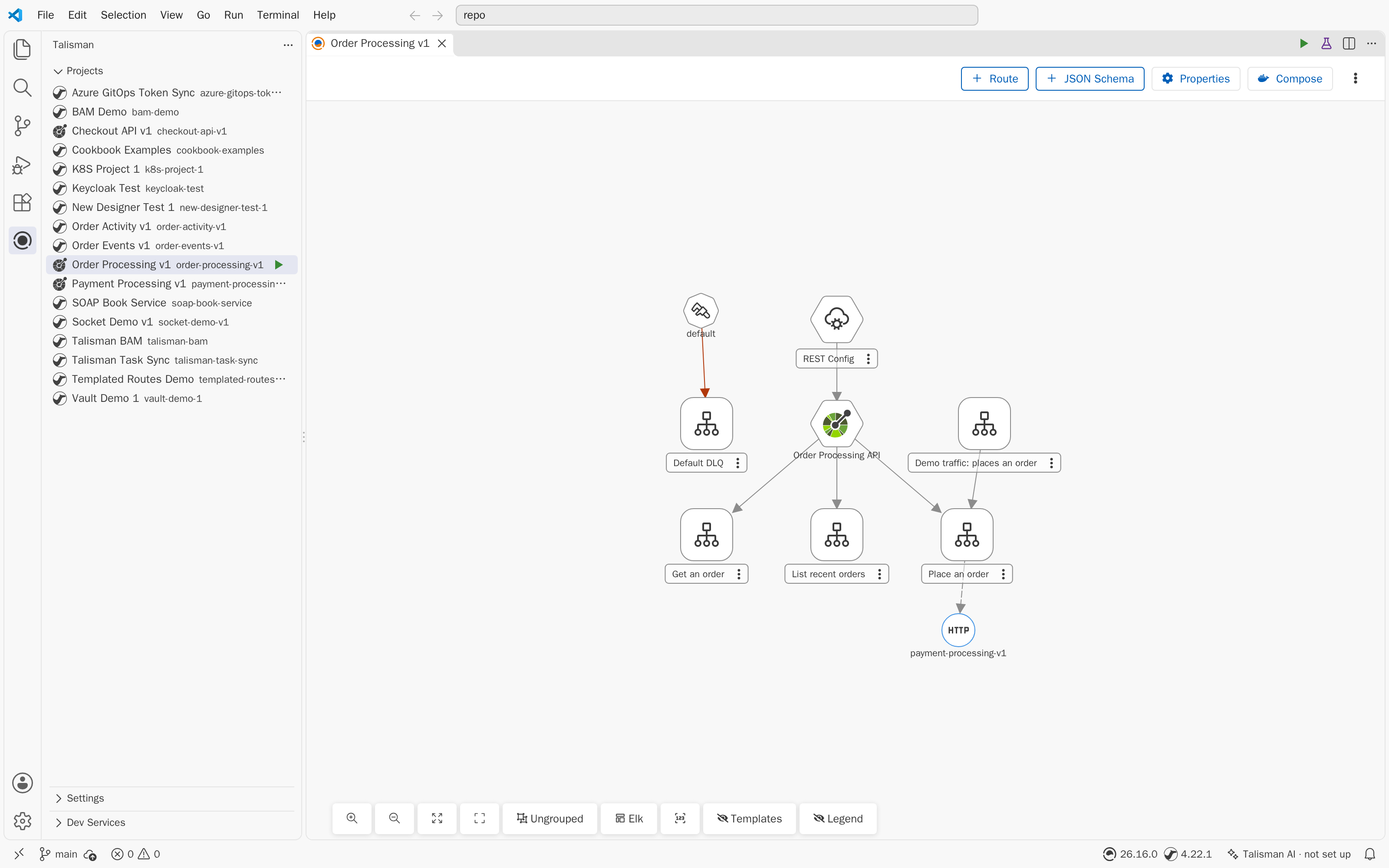
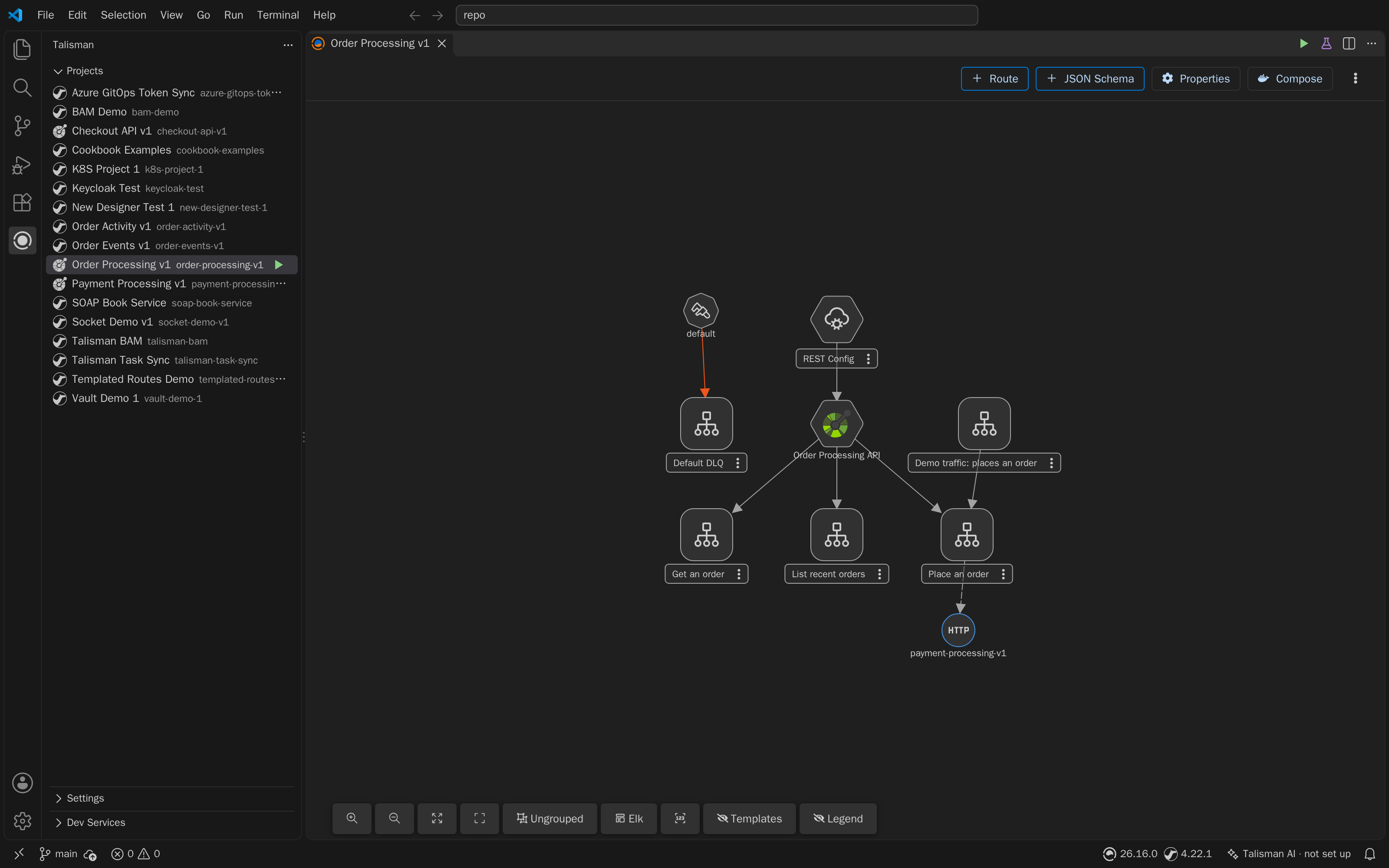
Visual Designers in Web
Studio Web provides the identical visual designers...:
- Camel Designer: Edit
*.camel.yamland*.kamelet.yamlfiles. - OpenAPI & AsyncAPI Designers: Design REST and Event-driven specifications.
- JSON Schema Designer: Manage
*.schema.jsondata structures. ???? You can set these designers as default, or use the Open in Route Designer command. Edits sync dynamically: changes made in the visual designer instantly update the text file, and vice-versa.
Local Run and Testing
Test your integrations instantly using the Talisman talisman-devmode image running on your local container engine.
Hello World Sanity Check:
- Click Create Project in the Talisman view and name it.
- In the new project, design a simple timer route that logs a message.
- Click Run on the project in the Talisman view.
- Studio for VS Code will dynamically package the project and launch the runtime in your local Docker or Kubernetes environment.
- Open the Camel Runtime panel at the bottom of VS Code to view live streaming logs, traces, and metrics.
If you change routes, click the Reload button to push updates to the running local container without a full restart.
Building and Deployment
When your local design is complete, commit your feature branch and open a Pull Request to your main branch.
Depending on your organization's Deployment Workflow:
- VS Code with Server Build: A Talisman administrator will pull the merged
mainbranch into the Dev Server, which automatically builds the immutable image and manages environment promotions. - VS Code with CI/CD: Your external automation pipeline (such as GitHub Actions) will detect the merge to
main, use Talisman Builder to construct the image, and deploy it based on your enterprise GitOps rules. (See CI/CD Build).