TryOut
TryOut sends a request to a running integration from the browser, like Postman built into Talisman. You can call a REST operation from your OpenAPI definition, or send a message straight to a Camel route.
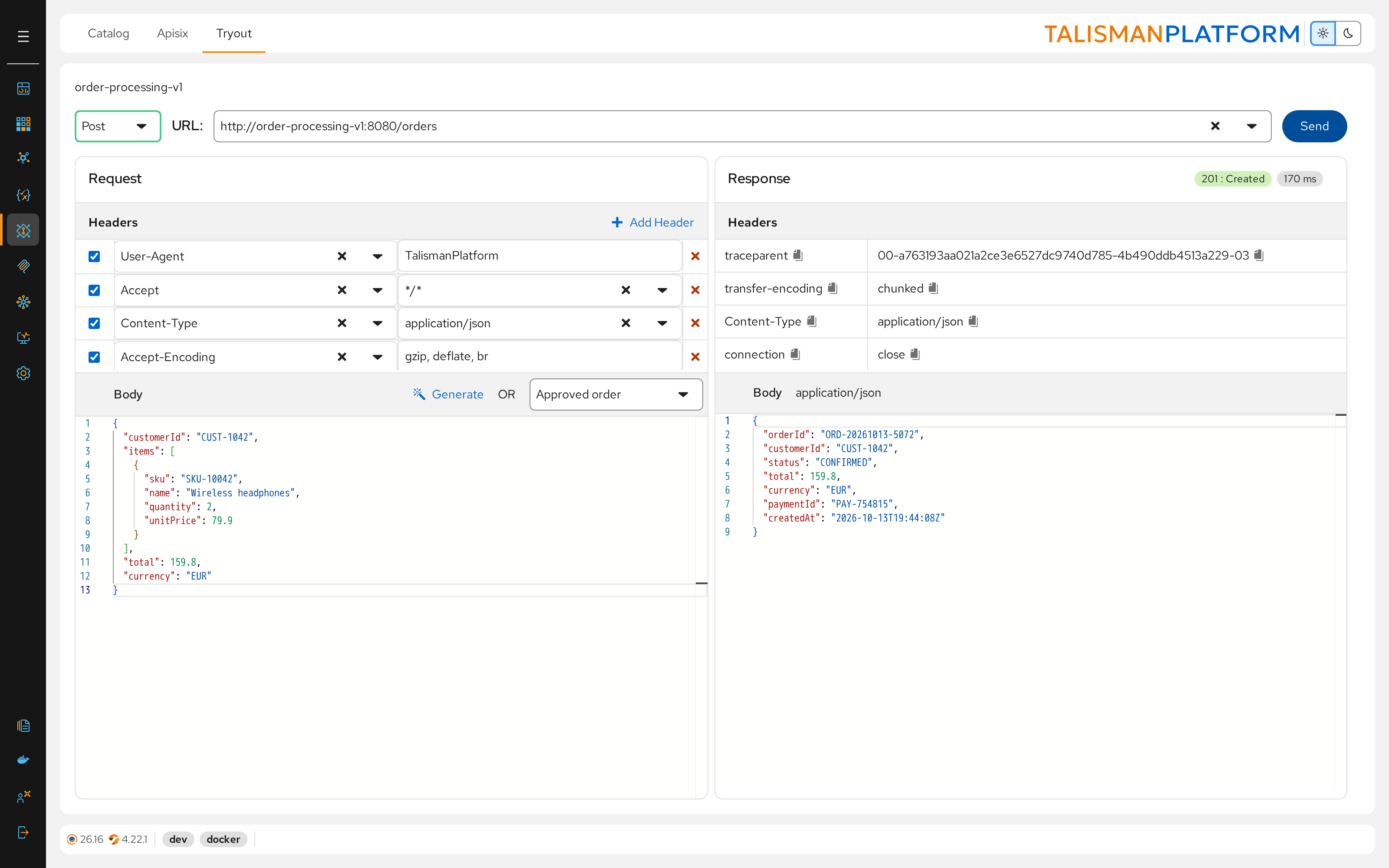
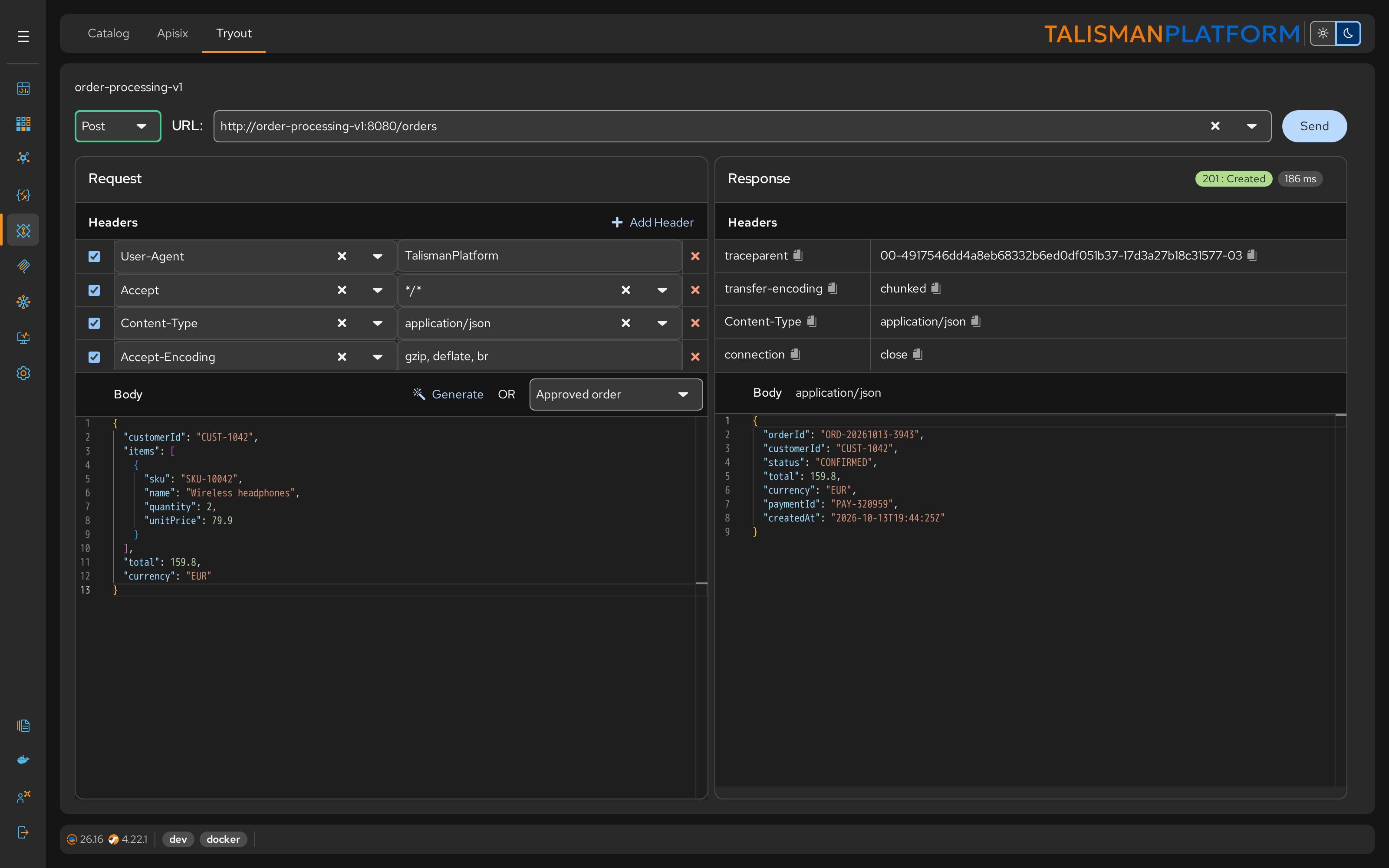
Call an API operation
- Open APIs and expand Operations for your API.
- Click the try-out button next to the operation. The Tryout tab opens with the method and URL filled in.
- Fill in the request body: pick a named example in Select Example, or click Generate to build a sample from the schema.
- Click Send.
The examples come from the examples of the operation's request body in your OpenAPI definition.
You can also open TryOut from an operation in the OpenAPI designer.
Send a message to a route
- Open the project and its Tryout tab.
- Choose Route in the method list, then the route's endpoint in Endpoint.
- Check InOut to wait for a reply, or clear it to send without waiting.
- Enter the body and click Send.
The project must be running, for example in developer mode.
Request and response
Request holds the headers and the body. TryOut adds common headers such as Content-Type; click Add Header for others, such as Authorization. Clear a header's checkbox to leave it out.
Response shows the status code, the time the call took, the response headers and the body.