Deployer Engine
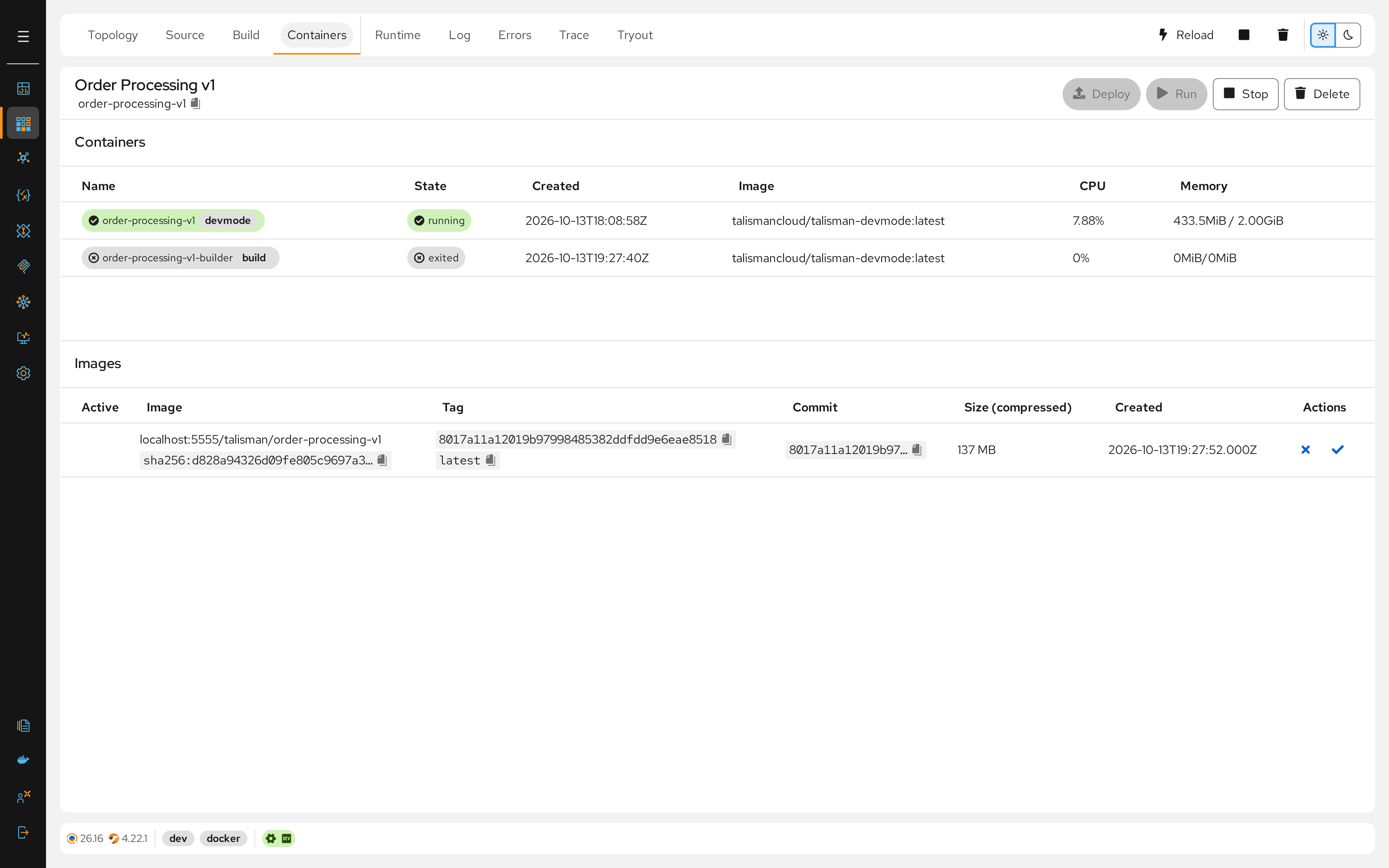
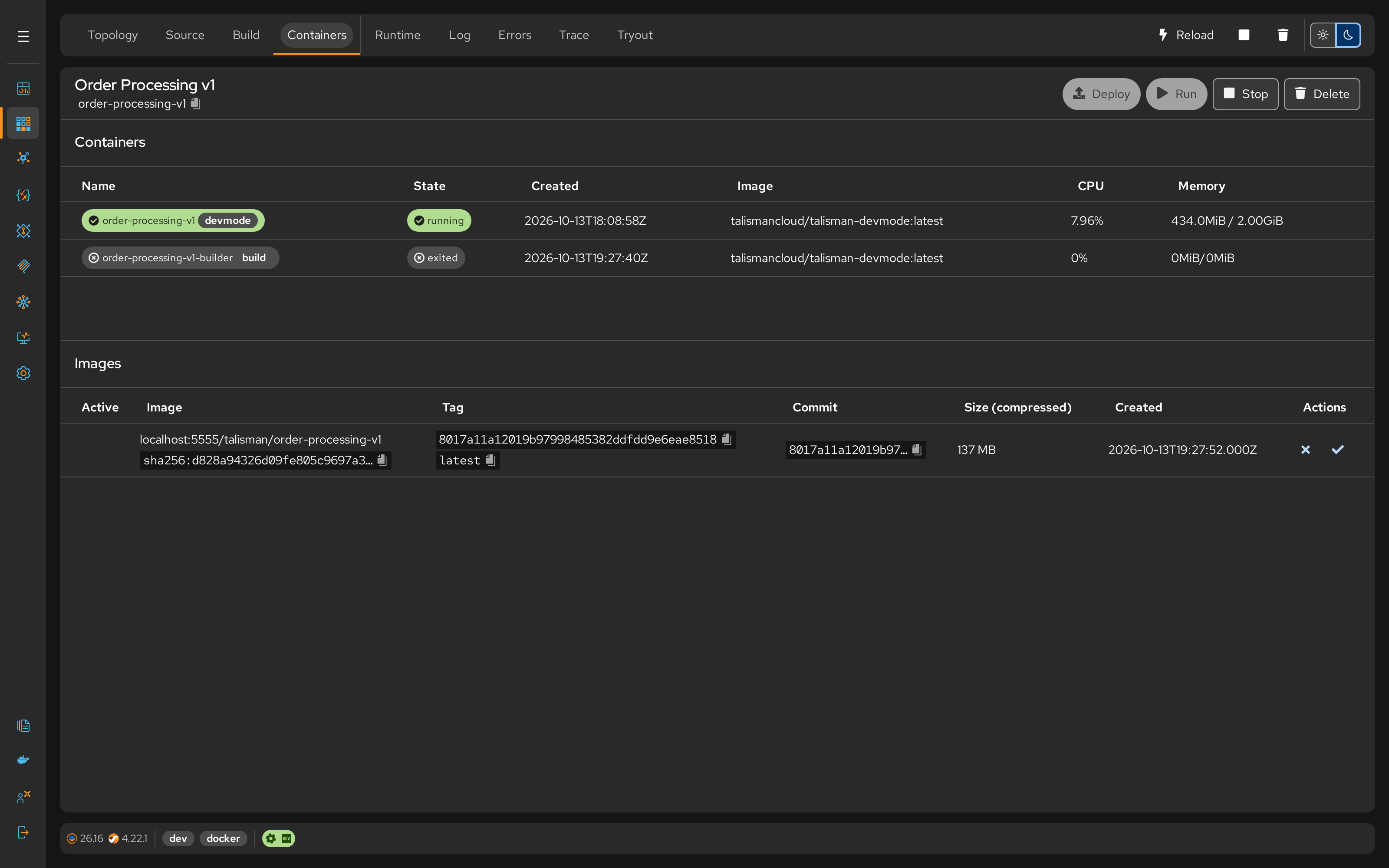
Talisman builds each project into a container image and deploys it to Docker or Kubernetes in one click, from the project's deployment files in Git.
Build
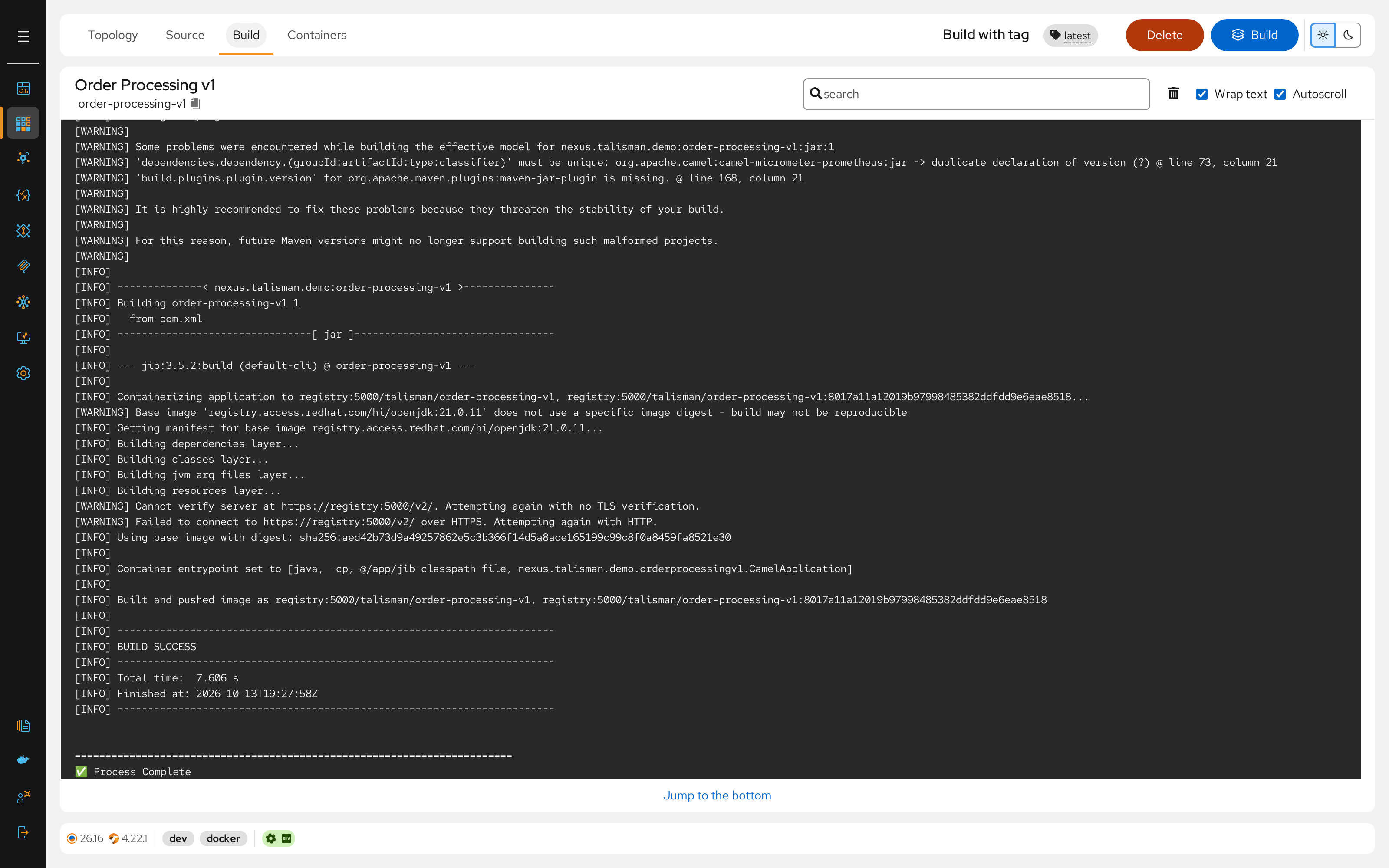
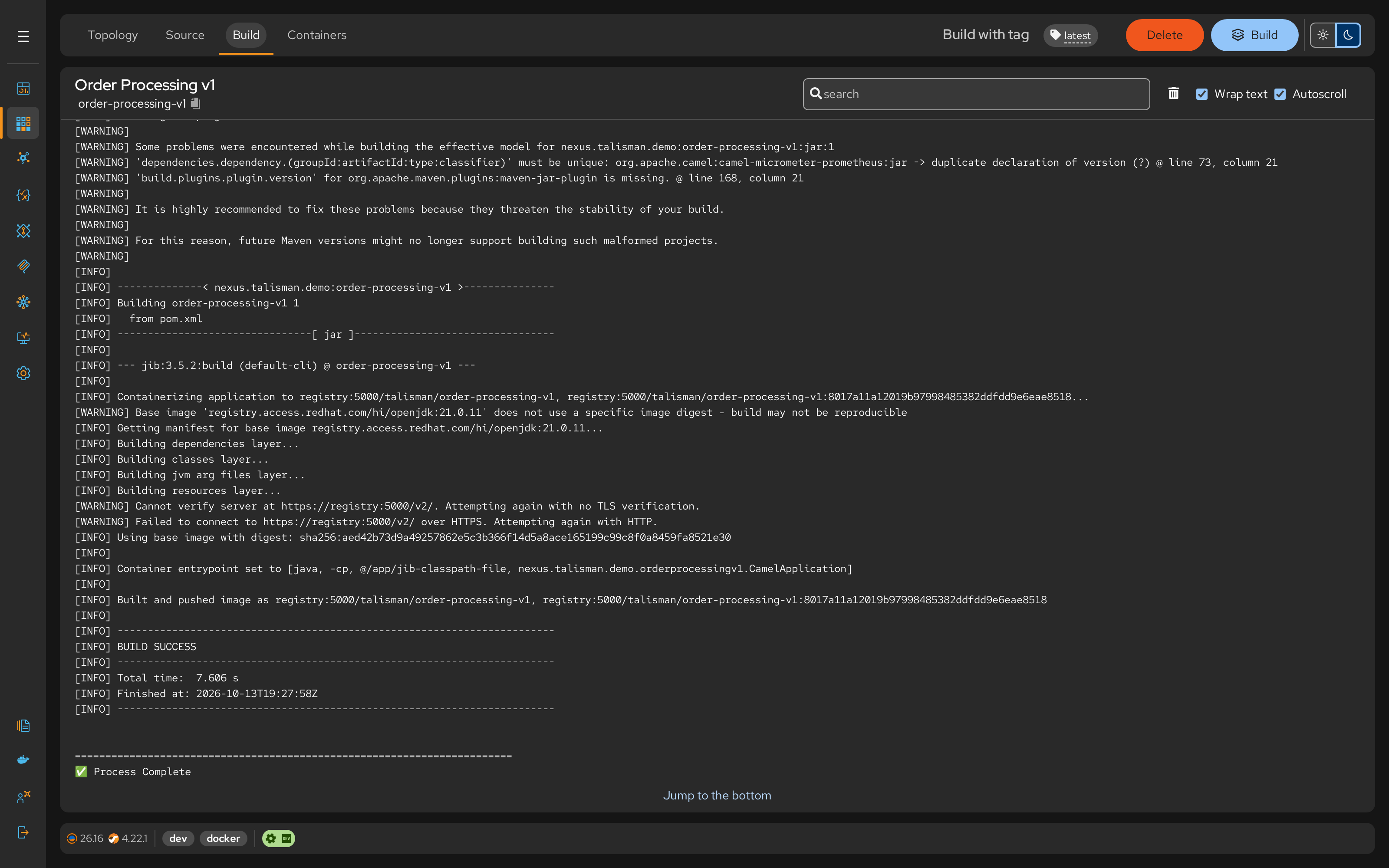
The dev Talisman Server builds with build.sh, a shell script in the Configuration project of your repository. Edit it to fit your platform. See Server Build; with your own pipeline, see CI/CD Build.
Deployment files
Each project carries one manifest per environment and an optional patch:
| Environment | Manifest | Patch (optional) |
|---|---|---|
| dev | kubernetes.yaml |
patch.yaml |
| test, prod, … | <env>.kubernetes.yaml |
<env>.patch.yaml |
On Docker, the project's docker-compose.yaml (dev) and <env>.docker-compose.yaml play the role of the manifest.
- The manifest is the full list of the project's Kubernetes resources. The build writes
kubernetes.yaml, with the image pinned by digest (tag@digest). - The patch adjusts the manifest for one environment without copying it: replicas, resources, environment variables, annotations, ConfigMap and Secret references.
A Talisman Server deploys the files of its own environment (TALISMAN_ENVIRONMENT). The dev Server deploys the project as Studio Web holds it; test and prod Servers read their files from main.
How a deploy applies them
- Talisman validates the manifest and the patch. If either is invalid, nothing is applied and the error says why.
- It applies the manifest (server-side apply).
- It applies the patch, resource by resource, as a strategic merge: the same result as
kubectl patch --type=strategic.
Your pipeline in VS Code with CI/CD applies the patch as a strategic merge too, through kustomize (kubectl apply -k). The rules below are enforced only by Talisman Server; in CI, your cluster's policies apply.
Rules for the manifest and the patch
- Allowed kinds:
Deployment,Service,ConfigMapandSecretby default (karavan.deployment.allowed-kinds). Every resource needsmetadata.name. - No host access: a Deployment can't use
hostNetwork,hostPID,hostIPCor ahostPathvolume. No container can be privileged, allow privilege escalation, add capabilities or use ahostPort. - A patch targets only its manifest: each resource in the patch must match the kind and name of a resource in the manifest. Every resource needs
apiVersionandkind. - Containers merge by name: a patched container must carry the manifest's container name, otherwise it is added as a second container.
A patch can be one resource, several YAML documents, or a kind: List. Strategic merge directives such as $patch: delete are ignored: a patch can override values but not delete them.
# test.patch.yaml: three replicas and more memory in test
apiVersion: apps/v1
kind: Deployment
metadata:
  name: payment-service
spec:
  replicas: 3
  template:
    spec:
      containers:
        - name: payment-service
          resources:
            limits:
              memory: 1Gi
To create a patch, open the project's Files tab on the dev Server, select the Patch for environment icon on kubernetes.yaml and choose the environment. It creates patch.yaml or <env>.patch.yaml as a copy of the manifest, which you trim to what changes.
Note
A deploy doesn't delete resources removed from the manifest. Delete them from the cluster yourself.