JSON Schema Designer
The Talisman JSON Schema Designer is a visual workspace for architecting the data contracts that underpin your integration platform. It allows developers to model complex data structures using a graphical interface, ensuring strict type safety without needing to manually write verbose JSON syntax.
These schemas act as the "Common Language" of your platform, reusable across both Event-Driven (AsyncAPI) and RESTful (OpenAPI) architectures.
JSON Schema Catalog
Beyond simple editing, Talisman provides a comprehensive Schema Catalog. This acts as a centralized registry for all shared data definitions, providing deep visibility into how data is consumed across your ecosystem.
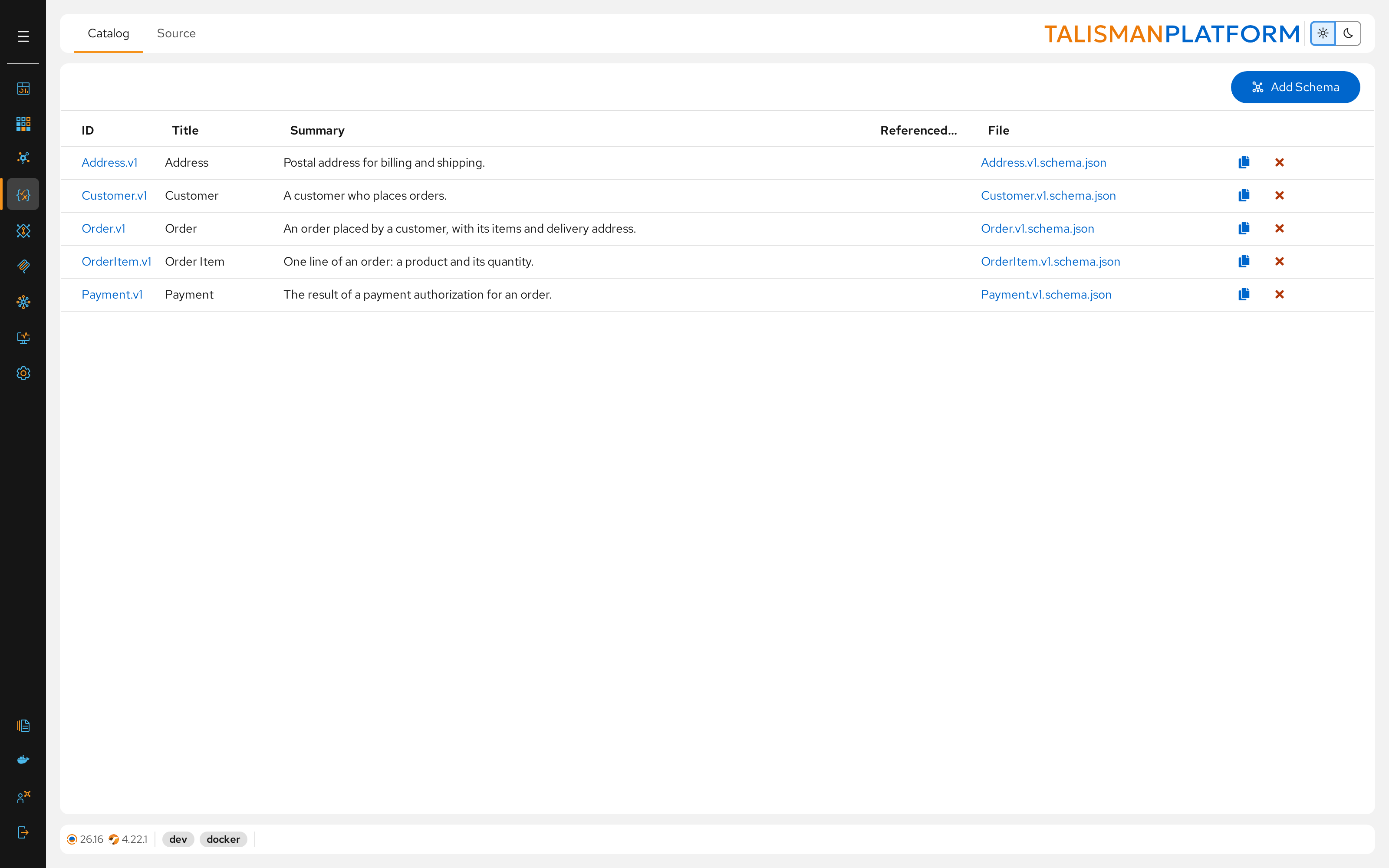
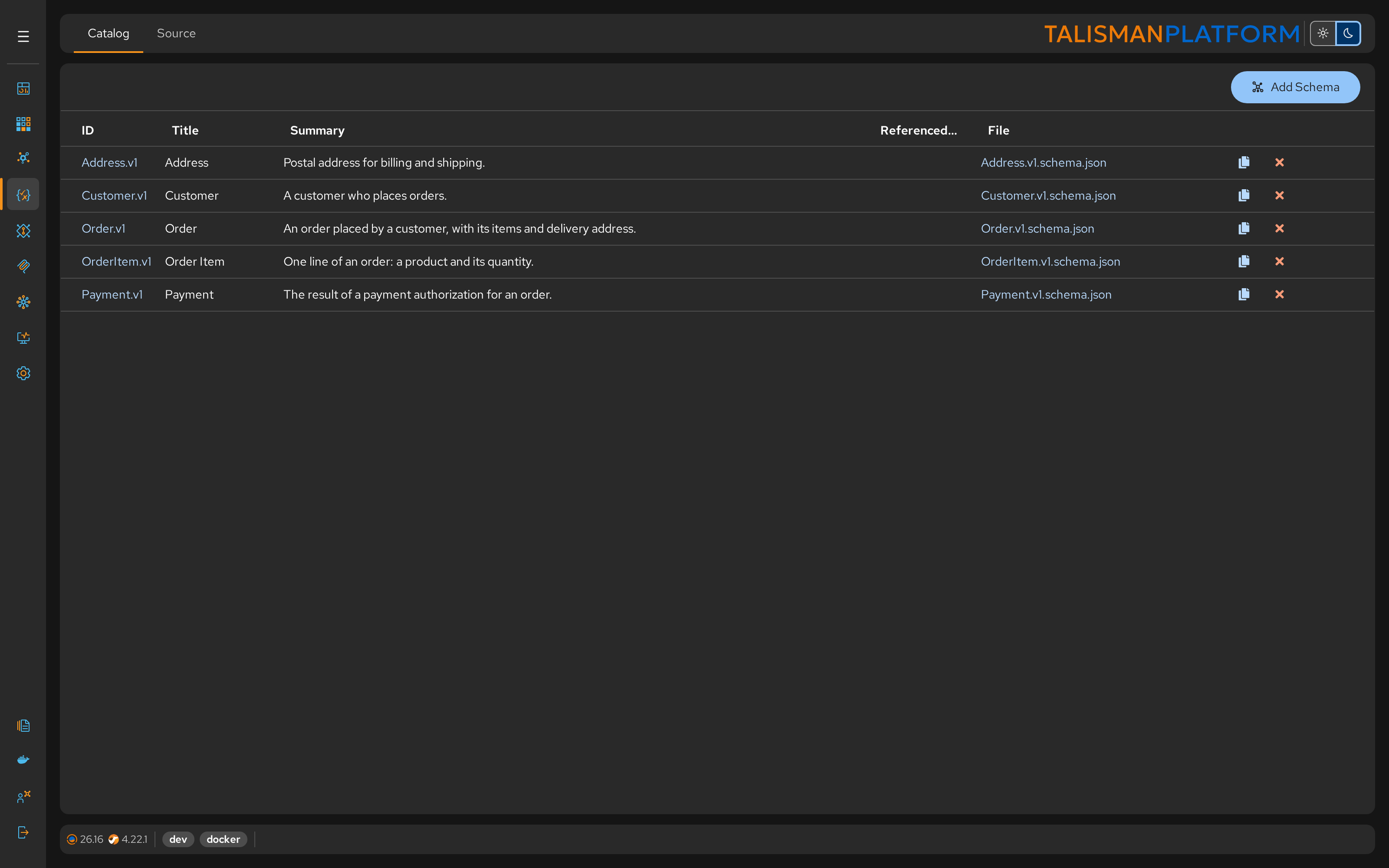
Centralized Library
Open Schemas to list all shared schemas of the Contracts project with their title and summary. Click a schema's ID to open it in the designer, or its file name to open the code. This promotes reusability and prevents data duplication (e.g., stopping three different teams from creating three different "Customer" objects).
Reference Tracking
The Catalog includes a powerful dependency graph that tracks exactly where each schema is referenced. Before modifying a schema, you can instantly see the potential impact on:
- Other Schemas: Schemas that import this file via
$ref(Composition/Inheritance). - AsyncAPI: Messages that use this schema for payloads.
You can't delete a schema while something references it.
JSON Schema Designer
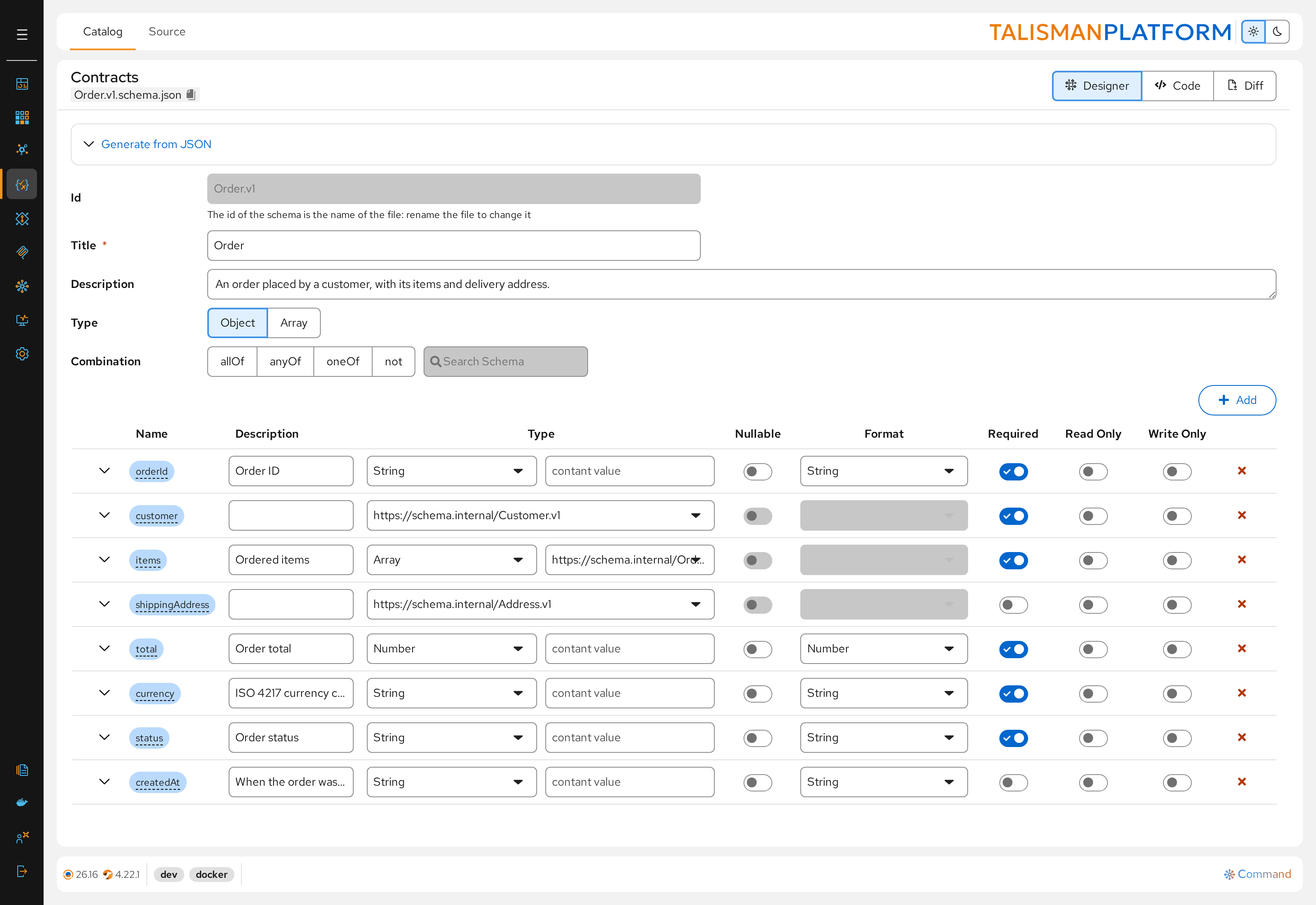
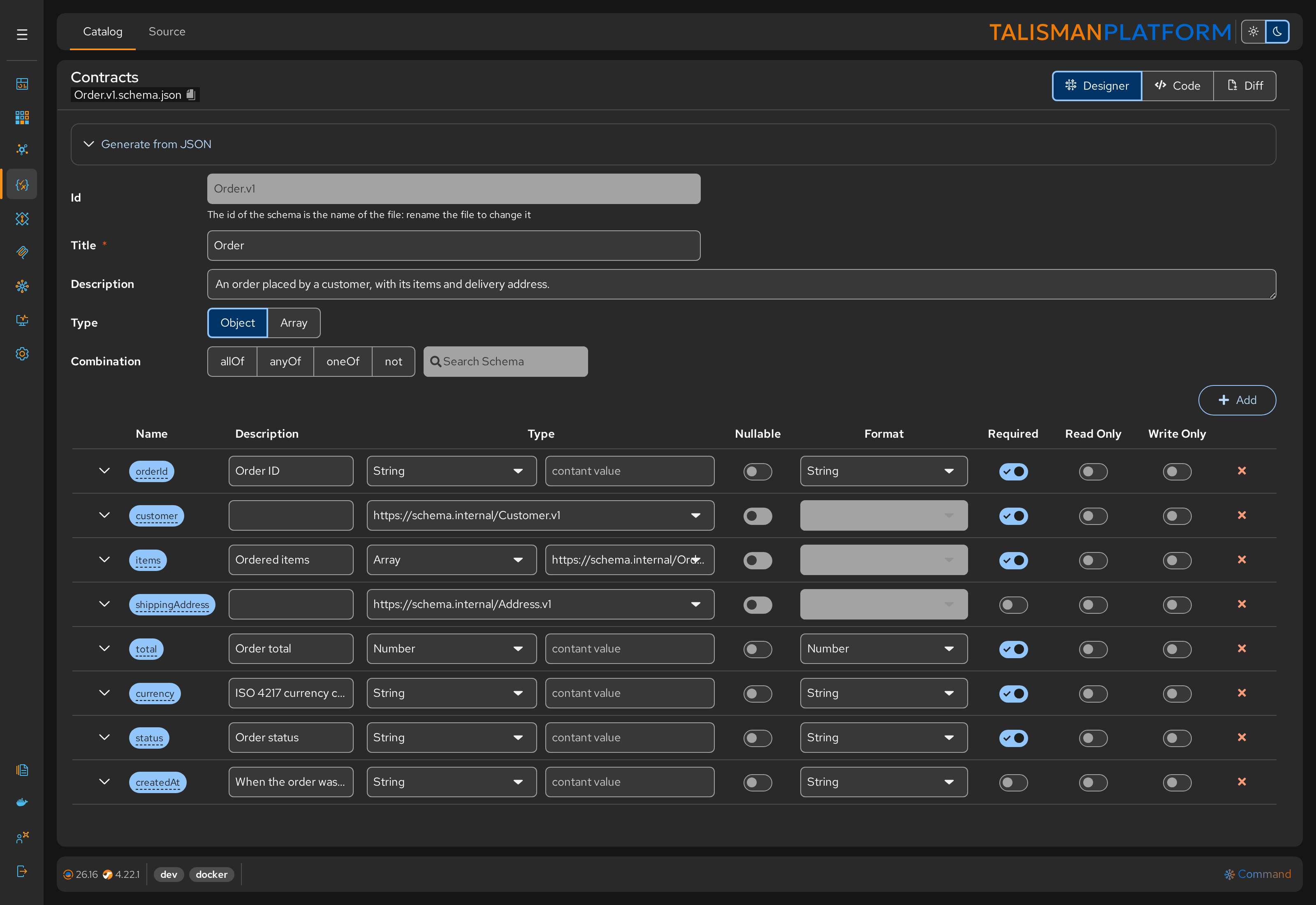
Construct complex objects, arrays, and primitive types through a hierarchical tree view.
- Properties: Add fields (String, Integer, Boolean, etc.) with a single click.
- Validation: Define constraints directly in the UI (e.g.,
minimum,maximum,patternregex, orenumvalues). - Required Fields: Toggle required status to enforce data completeness.
- Nullable, Read Only, Write Only: Toggle them per property.
- References: Set a property's type to another shared schema.
JSON Schema Editor
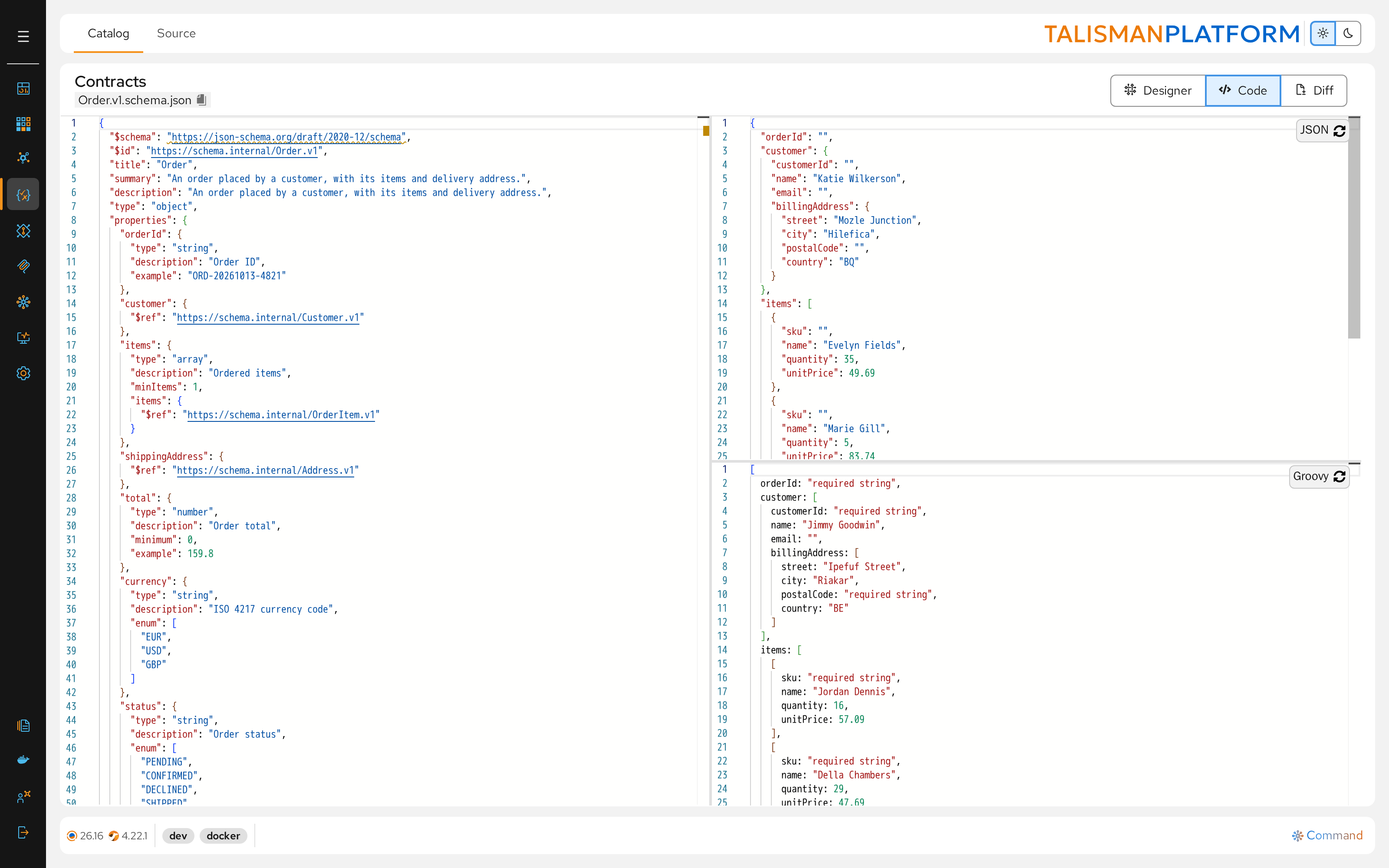
Live JSON Example
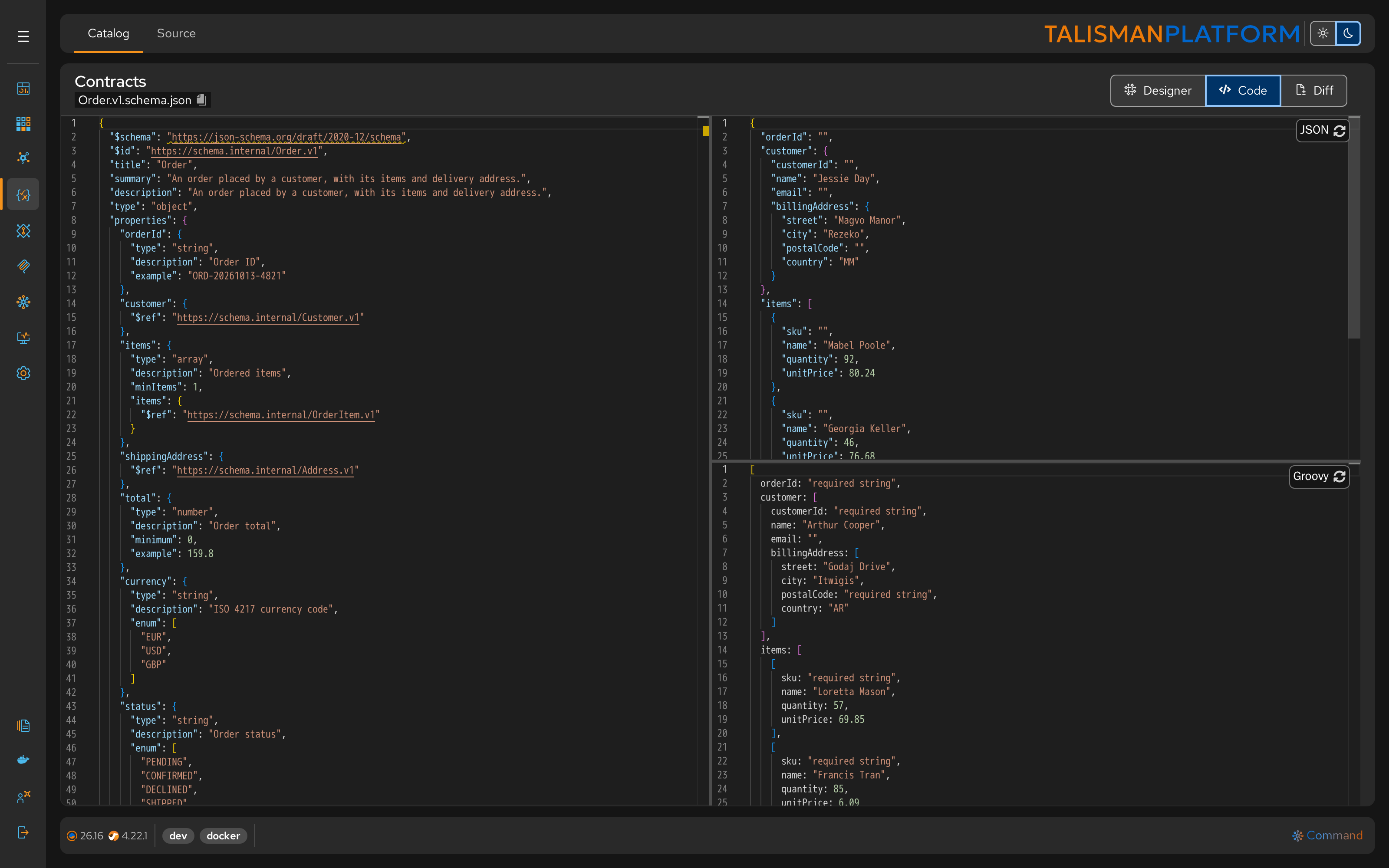
Click Code to edit the schema as JSON. The JSON panel on the right automatically generates a Live JSON Example.
- Instant Feedback: See exactly what a valid JSON payload looks like based on your current definition.
- Mock Data: The editor populates fields with random dummy data (e.g., names, numbers, or country codes) to help you visualize the final output.
Groovy Code Generator
For developers integrating these schemas into custom Camel processors or scripts, the Groovy panel below the JSON example shows the same sample as a Groovy map.
- Copy-Paste Ready: Quickly grab the code snippet to use within a
Groovyscript or CamelProcessorto build objects that adhere to the schema.
Technical Specifications
- Format: Adheres to JSON Schema Draft 2020-12.
- Location: Files are stored in the Contracts project.
- Reusability: Once defined, a schema (e.g.,
Order.v1.schema.json) becomes a global asset available to all Designers.
Usage in Workflow
The JSON Schema Designer is the foundation for both AsyncAPI and OpenAPI workflow.
Create Schema
Define the structure of your business entity.
- Example: Create
Customer.v1.schema.jsonwith fieldsid(UUID),name(String), andemail(String format email).
Apply Constraints
Add business rules to the data definition.
- Action: Set
emailas a required field and add a regex pattern to ensure valid formatting.
Reference in Contracts
Link this schema to your high-level architecture.
- AsyncAPI: Wrap the schema in a Message payload to define what data is published to a channel.
- OpenAPI: Import the schema as a Data Type to define a Request Body or API Response.