Studio for VS Code
Talisman Studio for VS Code is the enterprise local workstation for integration developers. It brings the complete visual design experience of Talisman Studio into your preferred IDE, enabling you to design, test, and run Apache Camel routes alongside standard developer tools.
Why VS Code?
While the web-based Studio Web offers a frictionless, zero-install experience on the Talisman Server, Studio for VS Code bridges the gap between low-code visual design and traditional software engineering:
- Familiar IDE: Leverage your preferred themes, keyboard shortcuts, and native VS Code extensions.
- Visual and text editing: Design routes visually or edit their Apache Camel YAML; the two stay in sync.
- Local runtime: Test integrations instantly using local Docker or Kubernetes clusters (k3d/minikube) without waiting for server deployments.
- Native Git collaboration: Use full Git branching, peer code reviews, and pull requests before merging changes into
main.
Prerequisites
Before installing the extension, ensure your local workstation has the following installed:
- Visual Studio Code (macOS, Linux, or Windows)
- Git (to manage your integration repository)
- A container engine:
- Docker Desktop (or a local Docker Engine), OR
- Kubernetes via a local cluster like k3d or minikube (with the registry addon enabled)
Installation and License
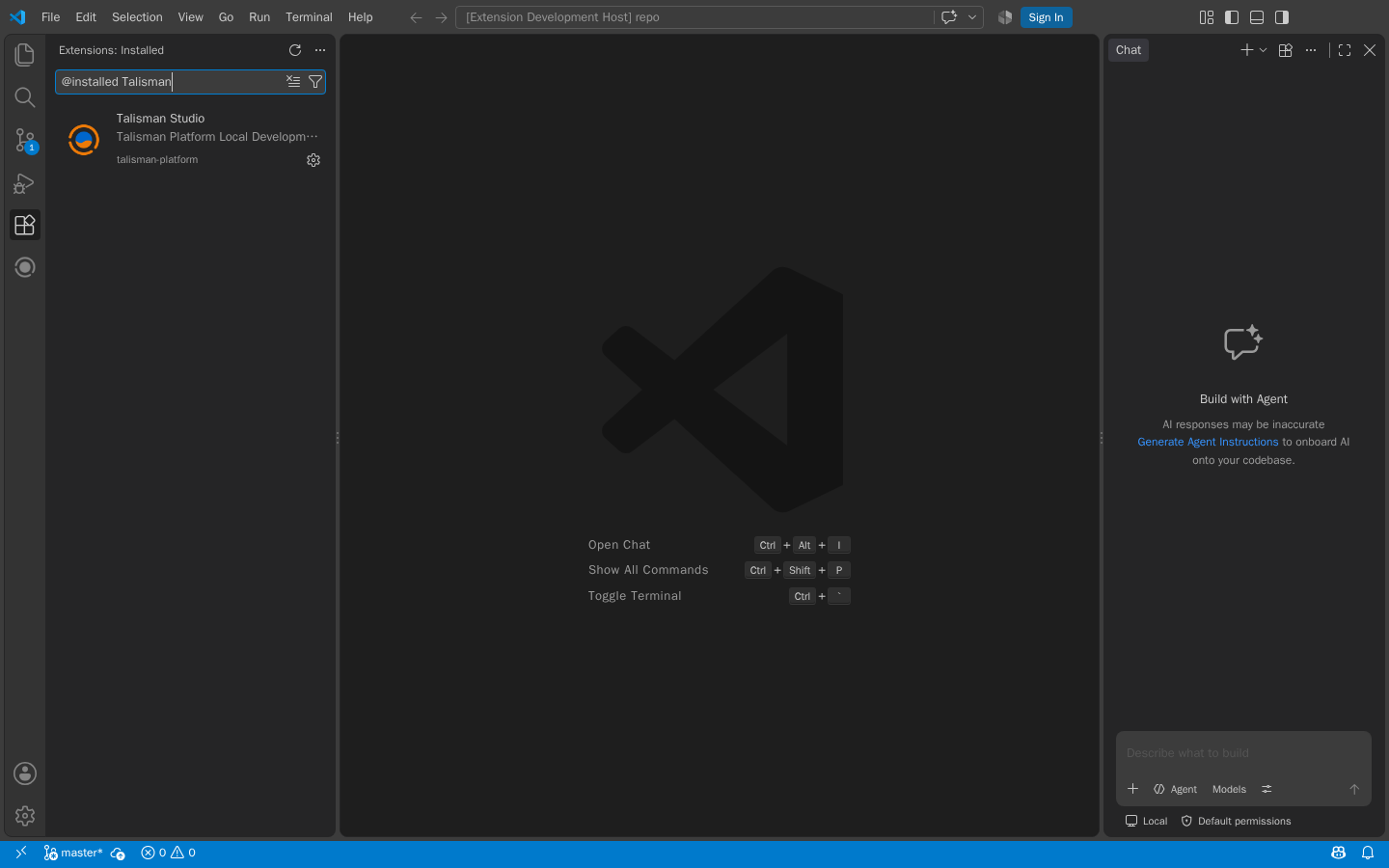
- Open the Extensions view in VS Code.
- Search for Talisman Studio (Extension ID:
talisman-platform.talisman-studio) and install it from the Marketplace.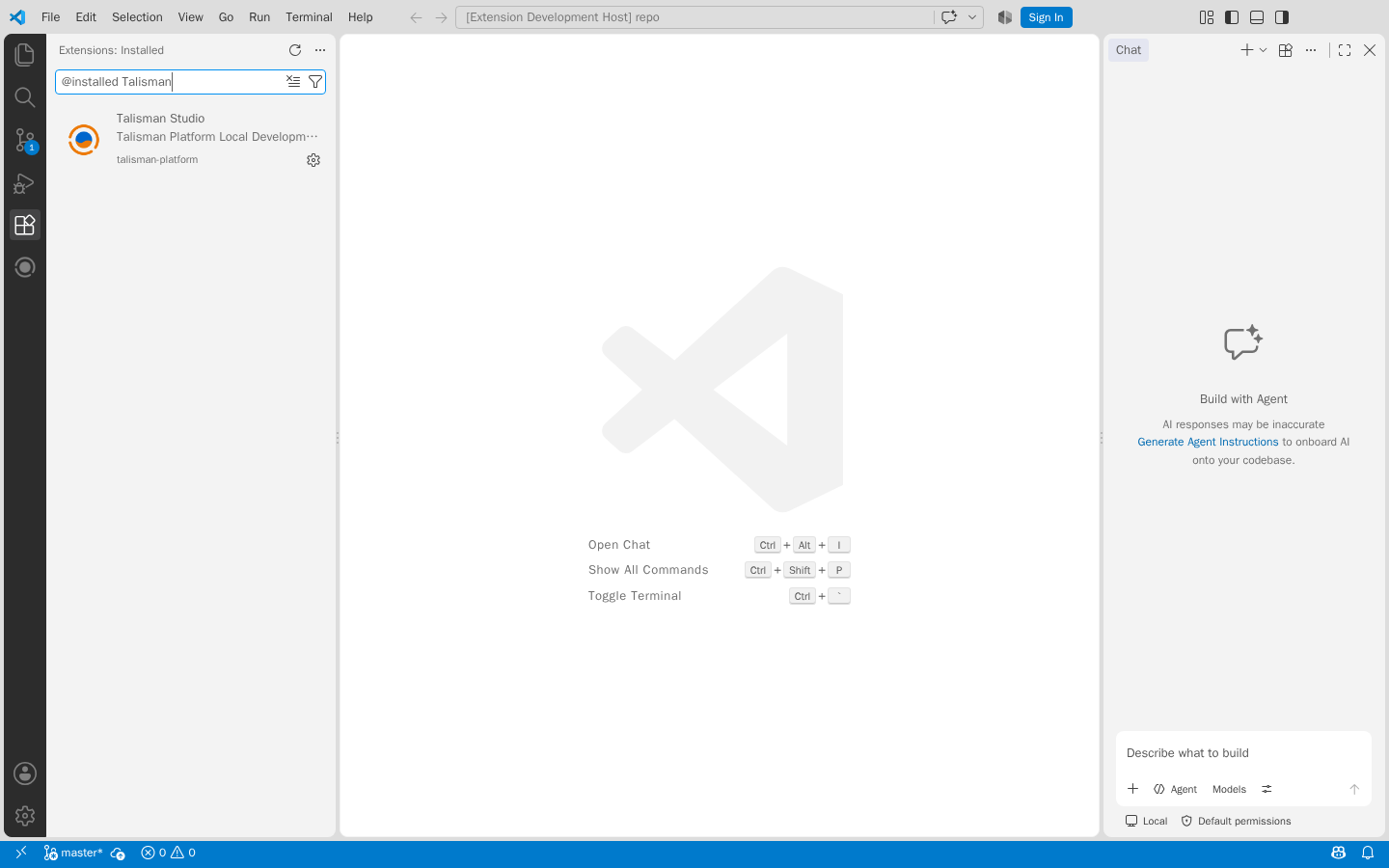
-
Open the extension's Welcome view to activate your license.
- Click Install License File if your organization provided you with a license file.
- Click Request a Trial to obtain a 30-day trial license at cal.com/talisman.
The license validation occurs entirely on your local machine—no data or telemetry is sent to Talisman.
Opening a Repository
Once activated, Studio for VS Code allows you to initialize a new repository or open an existing one:
- Open an empty folder in VS Code.
- The extension will prompt you to Initialize Talisman Repository.
- Choose your preferred local runtime (Docker or Kubernetes).
- The extension builds a standard platform repository structure (including
templates/,configuration/, and a local Git setup) and creates a default.gitignoreto prevent committing local environment files.
If you are working with an existing repository, simply clone your Git repository, switch to your feature branch, and open the root folder in VS Code.
Visual Designers in VS Code
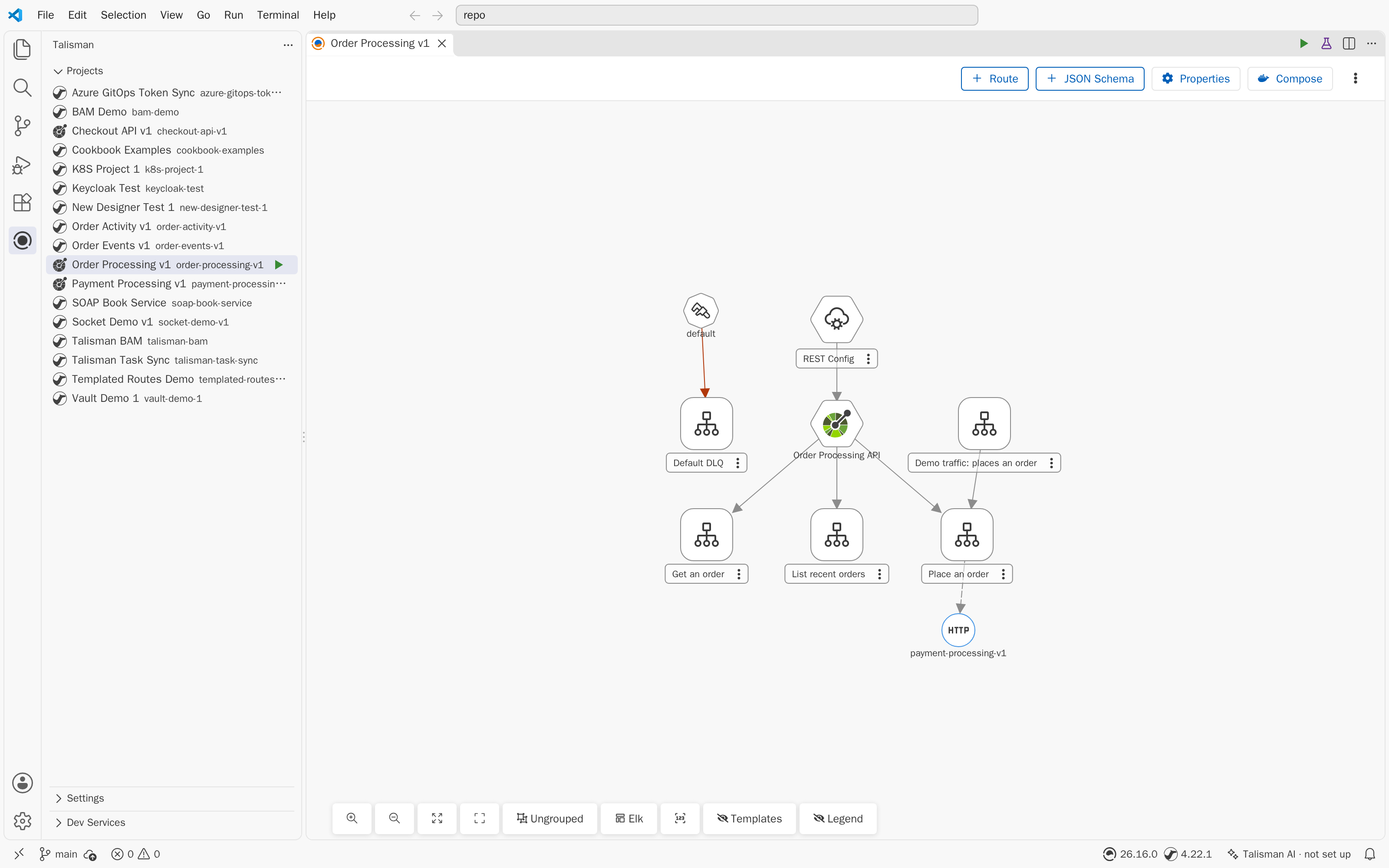
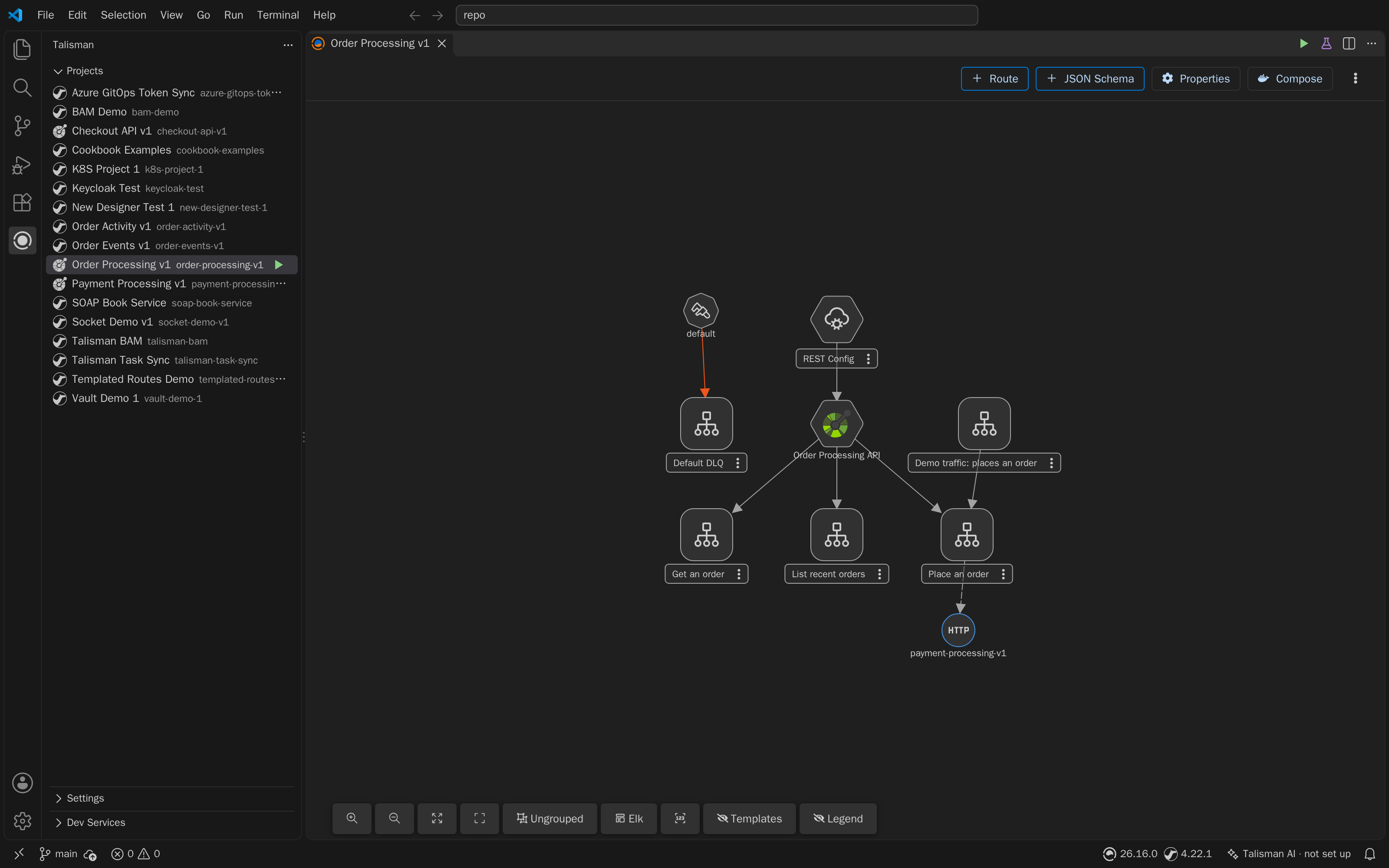
Studio for VS Code provides these designers of Studio Web, embedded as VS Code editors:
- Topology Designer: All routes of a project in one diagram. Click the project in the Projects view of the Talisman side bar.
- Route Designer: One route, a
*.camel.yamlor*.kamelet.yamlfile. Open the file and click the designer icon in the editor title bar. - OpenAPI Designer: The project's
openapi.json. - JSON Schema Designer:
*.schema.jsondata structures.
Edits sync both ways: changes made in a designer update the file, and changes made in the text editor show in the designer.
Local Run and Testing
Test your integrations instantly using the Talisman talisman-devmode image running on your local container engine.
Hello World Sanity Check:
- Click Create Project in the Talisman view and name it.
- In the new project, design a simple timer route that logs a message.
- Click Run on the project in the Talisman view.
- Studio for VS Code will dynamically package the project and launch the runtime in your local Docker or Kubernetes environment.
- Open the Camel Runtime panel at the bottom of VS Code to view live streaming logs, traces, and metrics.
If you change routes, click the Reload button to push updates to the running local container without a full restart.
Building and Deployment
When your local design is complete, commit your feature branch and open a Pull Request to your main branch.
Depending on your organization's Deployment Workflow:
- VS Code with Server Build: A Talisman administrator will pull the merged
mainbranch into the Dev Server, which automatically builds the immutable image and manages environment promotions. - VS Code with CI/CD: Your external automation pipeline (such as GitHub Actions) will detect the merge to
main, use Talisman Builder to construct the image, and deploy it based on your enterprise GitOps rules. (See CI/CD Build).