Developer Mode on Docker
Docker under the hood
Upon clicking the Run button, Talisman springs into action by creating a container. This pod uses the talisman-devmode image and is named after your $PROJECT_ID. This unique container houses your integration during the development phase, providing an agile environment for execution.
The container then fetches the project files from Talisman Server and runs them on Apache Camel Main with the developer console. When you save a change, Talisman reloads the integration in the running container.
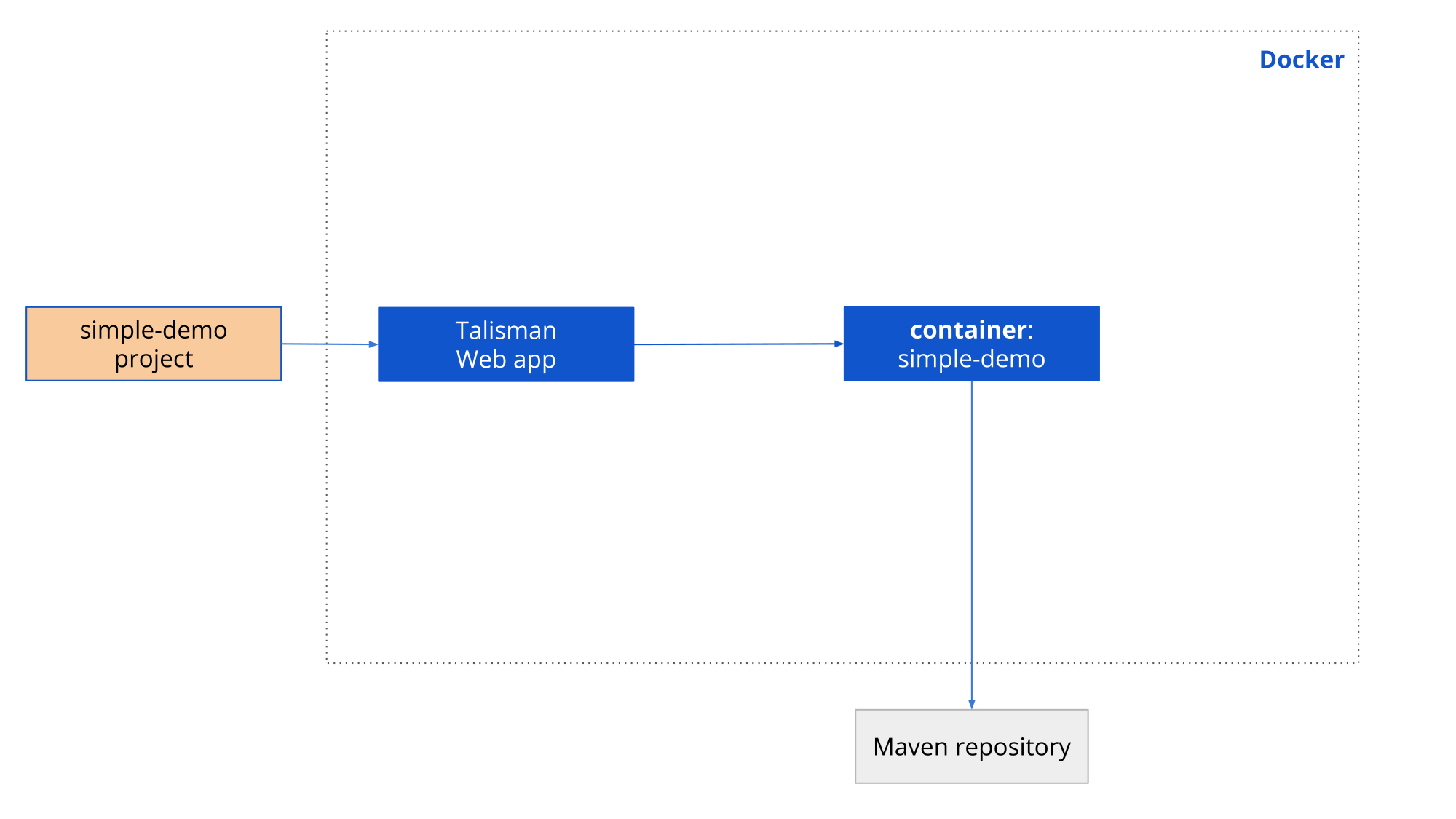
container name: $PROJECT_ID
image: talismancloud/talisman-devmode:26.16

ports exposed: according to `docker-compose.yaml` in the project folder
To use another image or tag, set KARAVAN_DEVMODE_IMAGE on Talisman Server. See Images and Environment Variables.