OpenAPI Designer
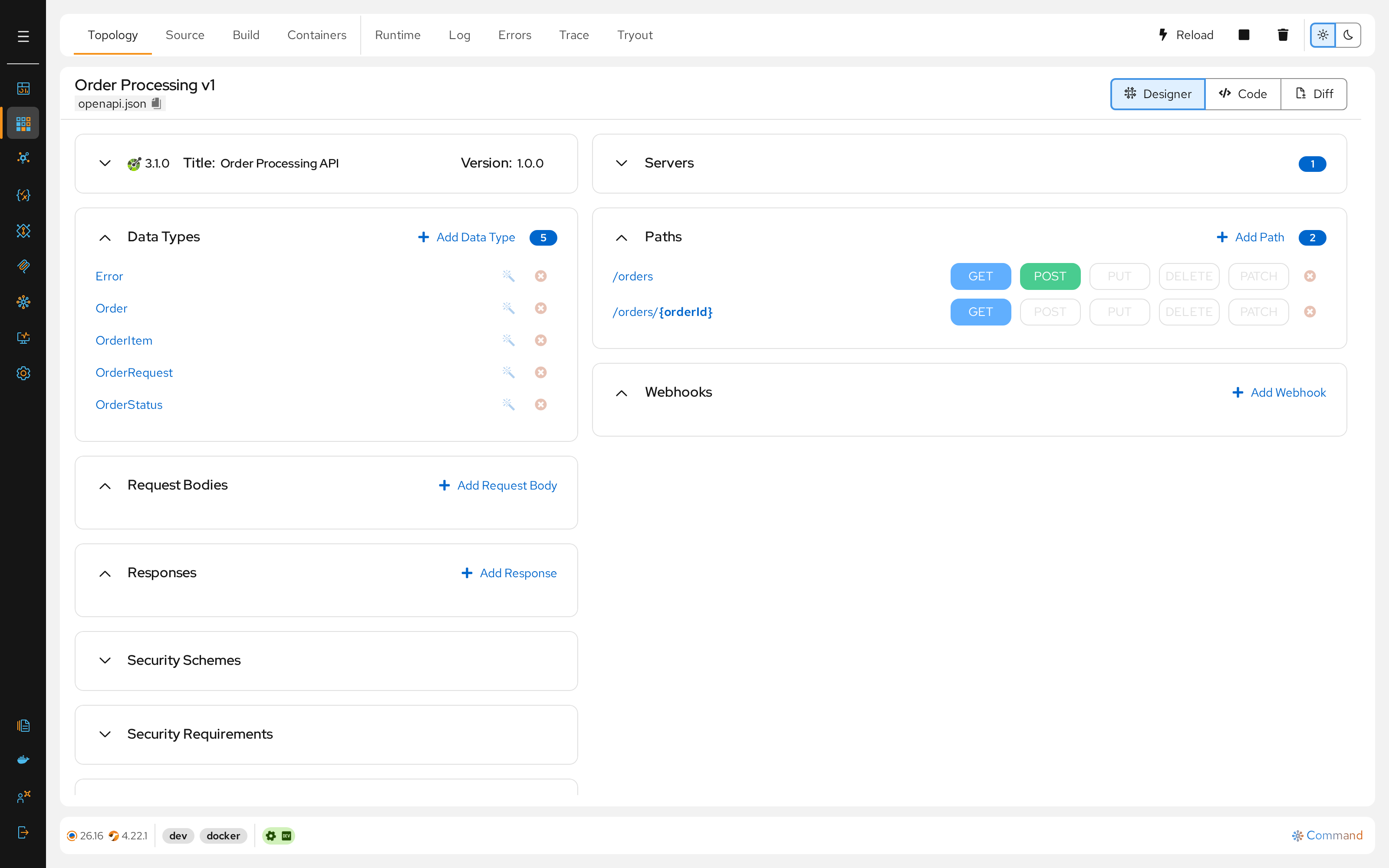
The Talisman OpenAPI Designer is a visual workspace for architecting RESTful APIs. It allows developers to model HTTP interactions, define strict data contracts, and configure security schemes using a component-first approach.
Unlike the centralized AsyncAPI model, the OpenAPI Designer maintains a dedicated openapi.json specification file for each project, serving as the definitive contract for that specific microservice.
Architecture Overview
The design process follows a 3-phase workflow: Configuration → Contract → Generation.
graph TD

    subgraph Configuration [Configuration]
        Servers(Servers)
        DataTypes(Data Types)
        RequestBodies(Request Bodies)
        Responses(Responses)
        Tags(Tags)
        SecurityRequirements(Security Requirements)
    end

    subgraph Contract [Contract]
        direction TB
        Paths(Paths)
        Parameters(Parameters)
        Operations(Operations)
    end

    subgraph Generation [Generation]
        direction TB
        Routes(Routes)
    end

    DataTypes -.-> RequestBodies
    DataTypes -.-> Responses
    Tags -.-> Contract
    SecurityRequirements -.-> Contract
    RequestBodies -.-> Contract
    Responses -.-> Contract
    DataTypes -.-> Contract

    Paths -.-> Operations
    Paths -.-> Parameters
    Operations -.-> Routes

    %% Styling
    style Configuration fill:#fff,stroke:#333,stroke-dasharray: 3 3
    style Contract fill:#fff,stroke:#333,stroke-dasharray: 3 3
    style Generation fill:#fff,stroke:#333,stroke-dasharray: 3 3

    style Routes fill:#e978261a,color:#E97826,stroke:#E97826

    style RequestBodies fill:#4bb9ec1a,color:#4bb9ec,stroke:#4bb9ec
    style Responses fill:#4bb9ec1a,color:#4bb9ec,stroke:#4bb9ec
    style SecurityRequirements fill:#4bb9ec1a,color:#4bb9ec,stroke:#4bb9ec
    style Tags fill:#4bb9ec1a,color:#4bb9ec,stroke:#4bb9ec
    style Servers fill:#4bb9ec1a,color:#4bb9ec,stroke:#4bb9ec
    style DataTypes fill:#4bb9ec1a,color:#4bb9ec,stroke:#4bb9ec
Configuration
Before defining endpoints, you define the reusable building blocks. This ensures consistency across your API and reduces duplication.
Servers
Define the environments where this API will be hosted.
- Action: Add URLs for Development, Staging, and Production.
- Variables: Support variable substitution (e.g.,
{port}) for dynamic environments.
Data Types
Define the shape of your domain objects.
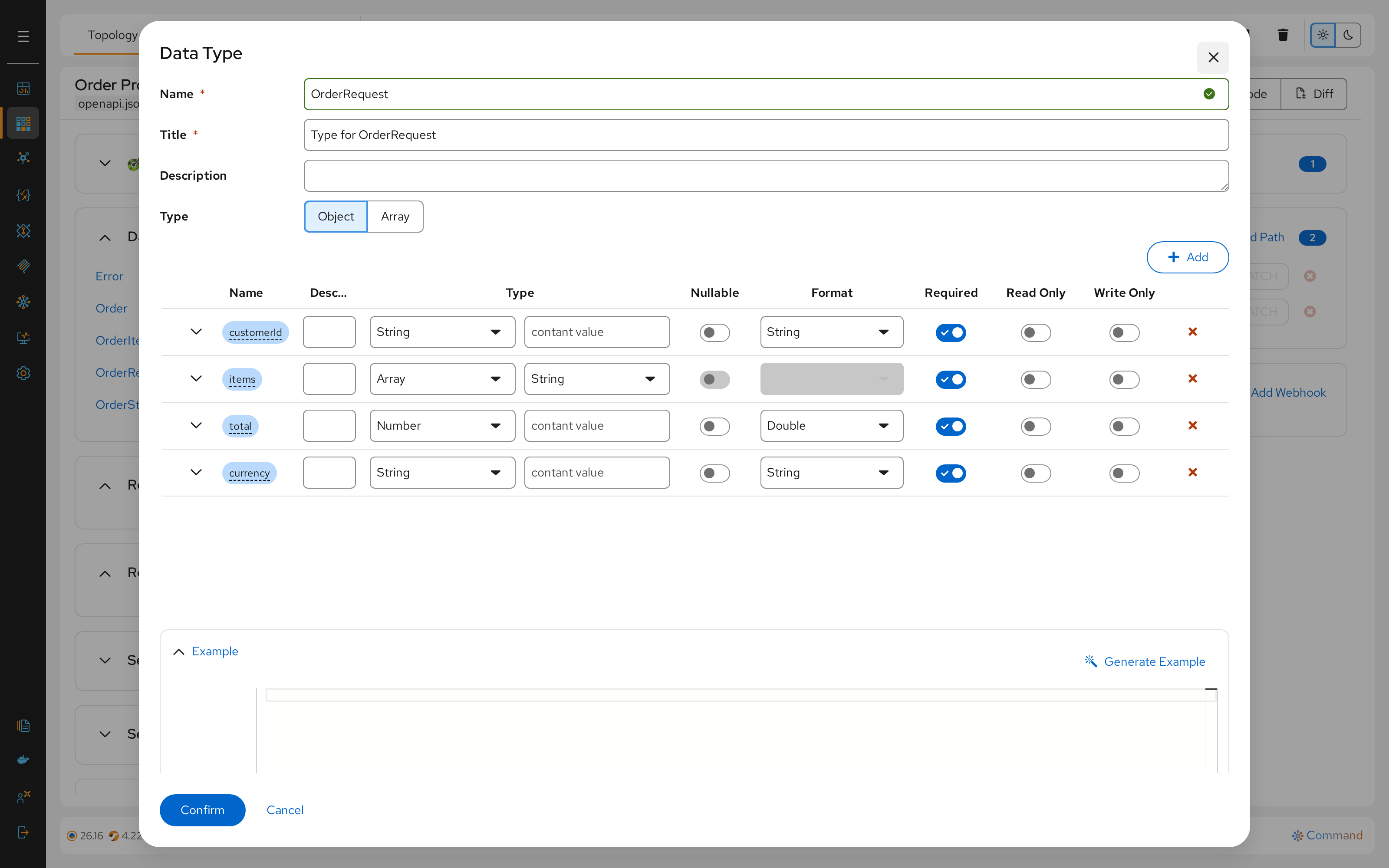
Generate Request Bodies, Responses, Paths and Default Operation if required.
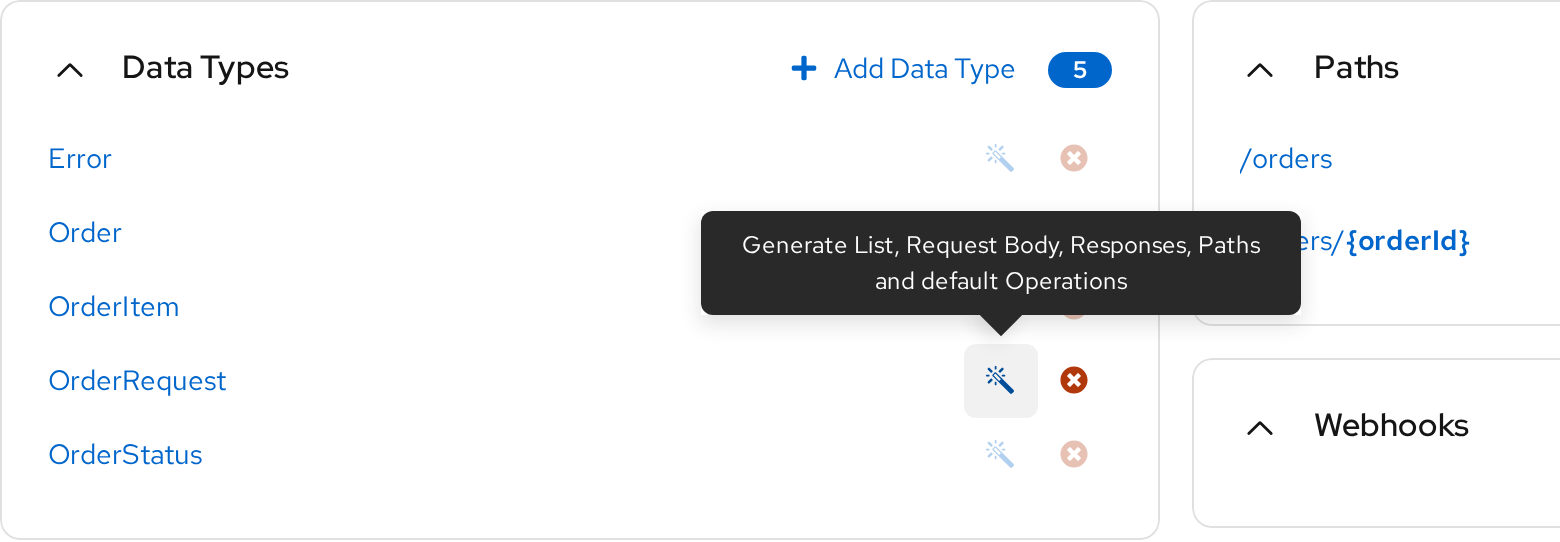
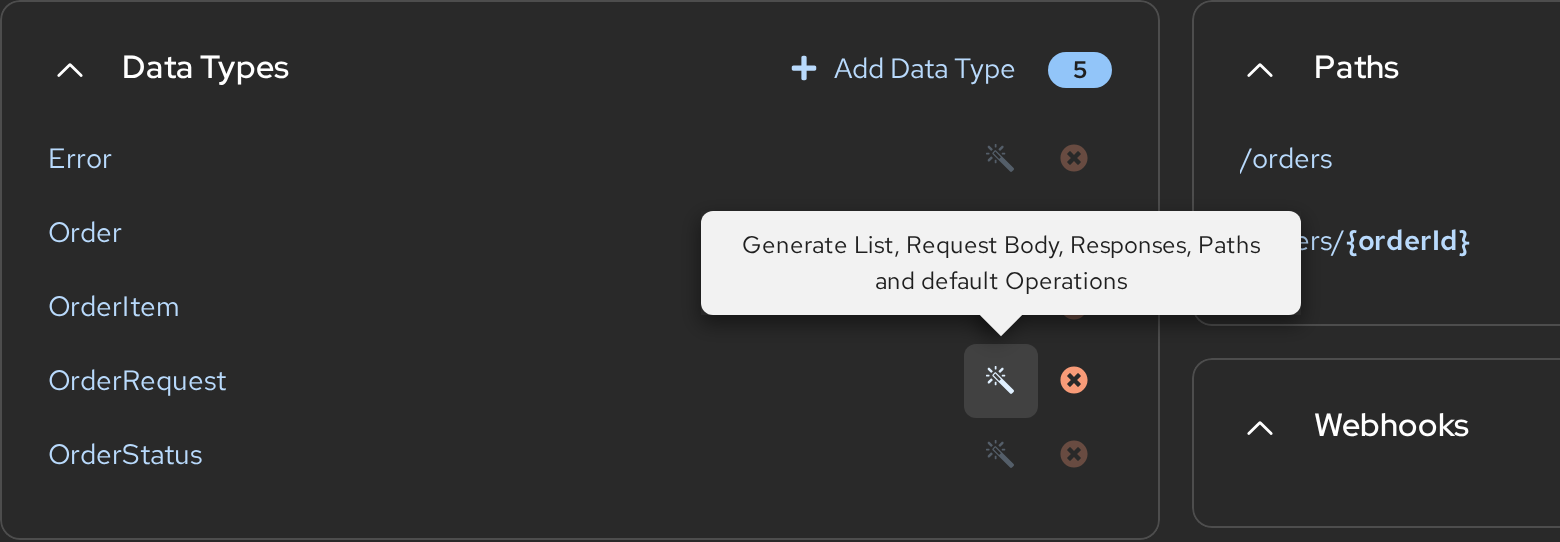
- Purpose: Ensures strict typing for requests and responses.
- Example:
Order,OrderItem.
Request Bodies & Responses
Create standard payloads and return states.
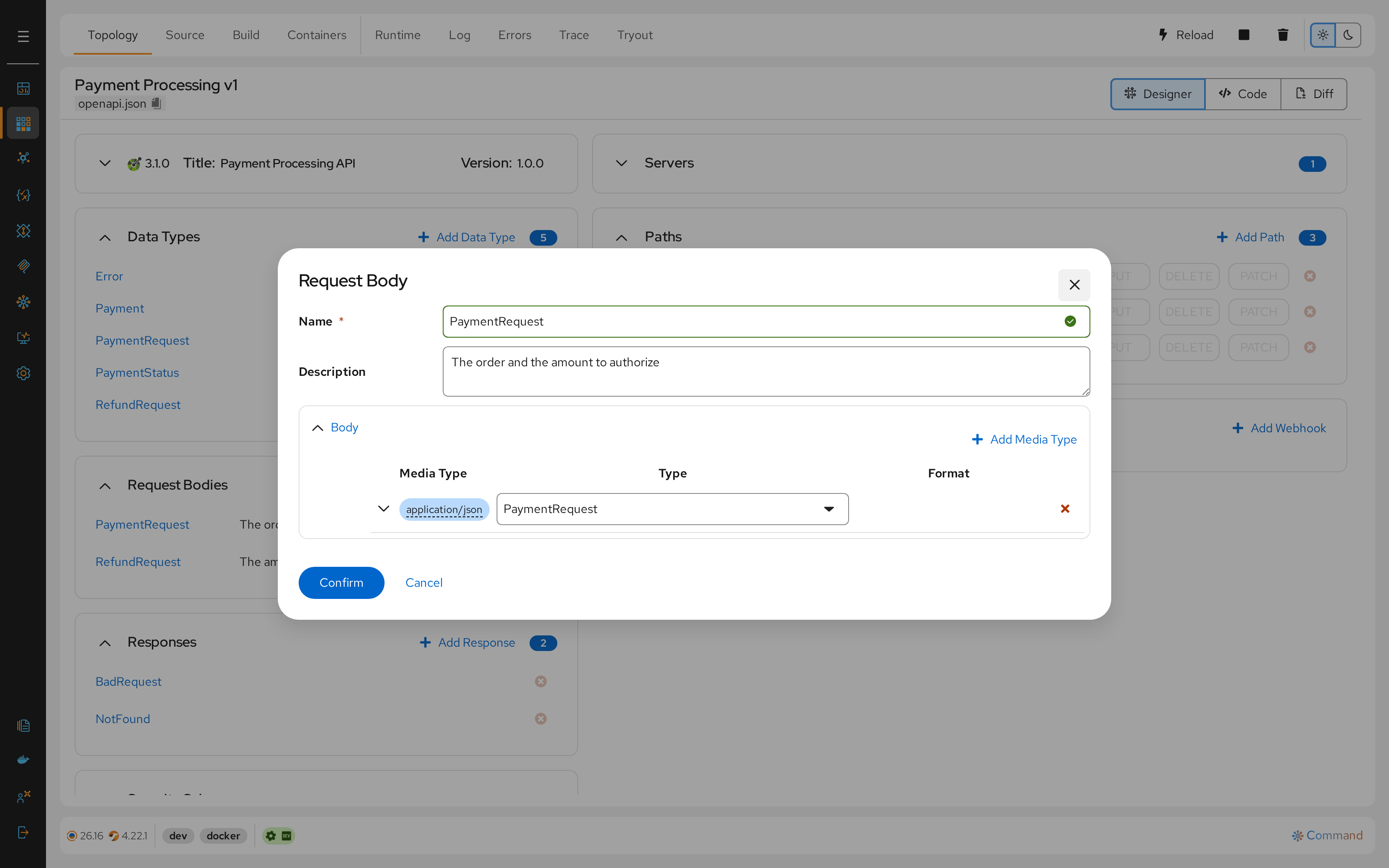
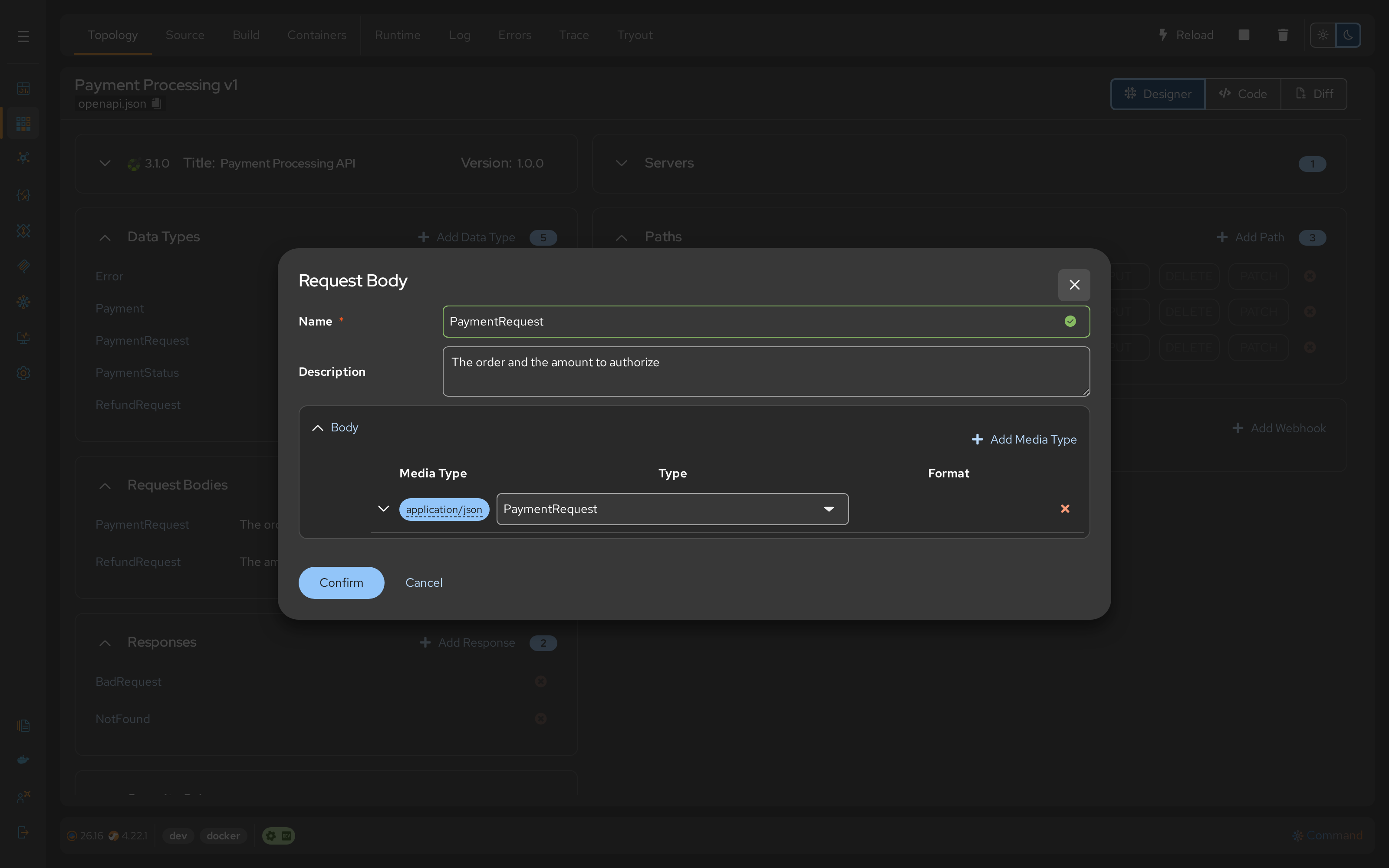
- Request Bodies: Reusable inputs (e.g.,
PaymentRequestusing thePaymentRequestData Type). - Responses: Standard HTTP outcomes (e.g.,
200 OK,404 Not Found,500 Error).
Security & Tags
- Security Requirements: Define authentication mechanisms (e.g.,
BearerAuth,ApiKey). - Tags: Organize your API endpoints into logical groups (e.g., "Admin", "Public").
Contract
Once the components exist, you assemble them into actual API endpoints.
Paths
Define the URL structure of your resource.
- Action: Create paths like
/ordersor/orders/{orderId}. - Parameters: Define dynamic path variables (e.g.,
{orderId}) or query parameters.
Operations
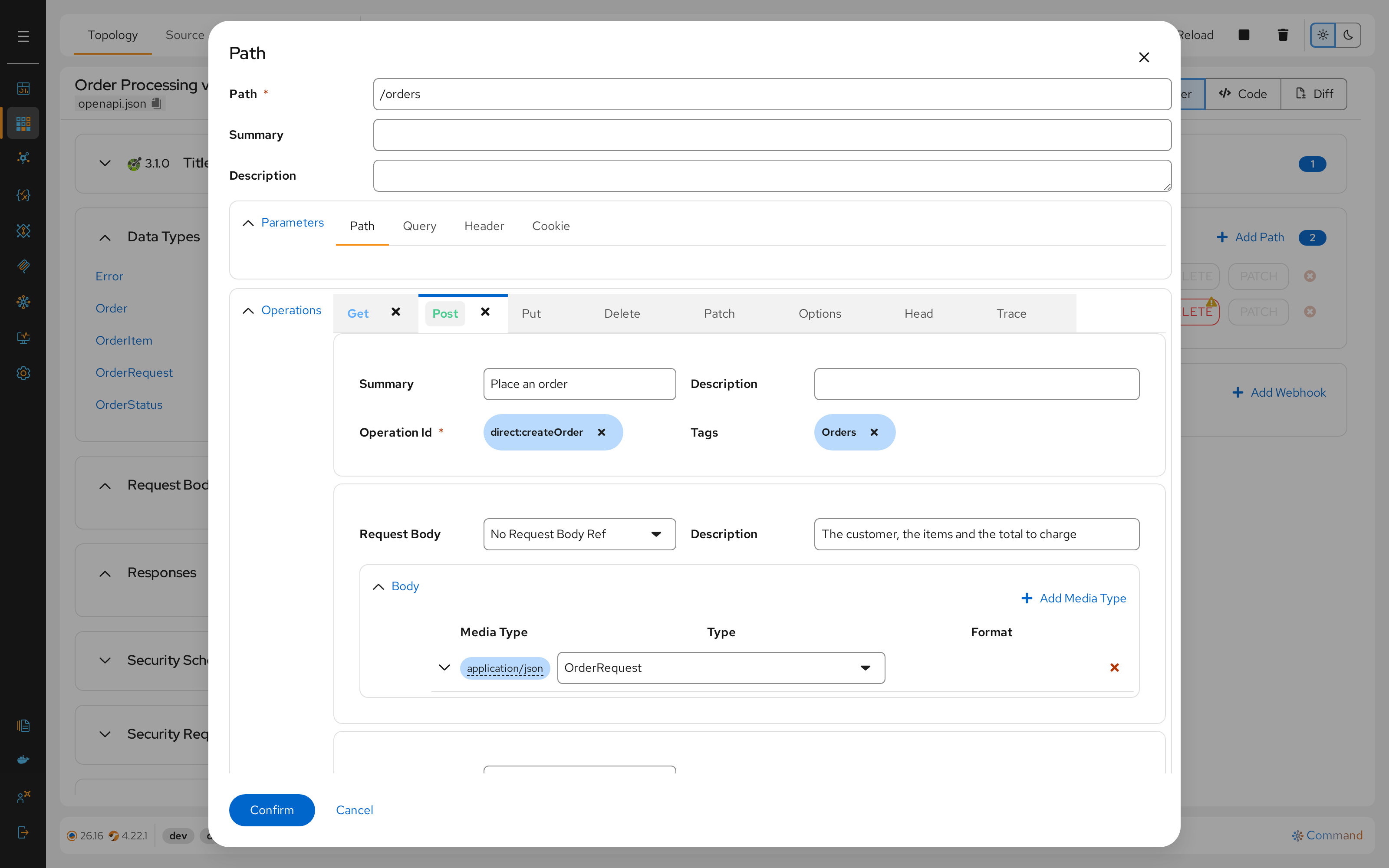
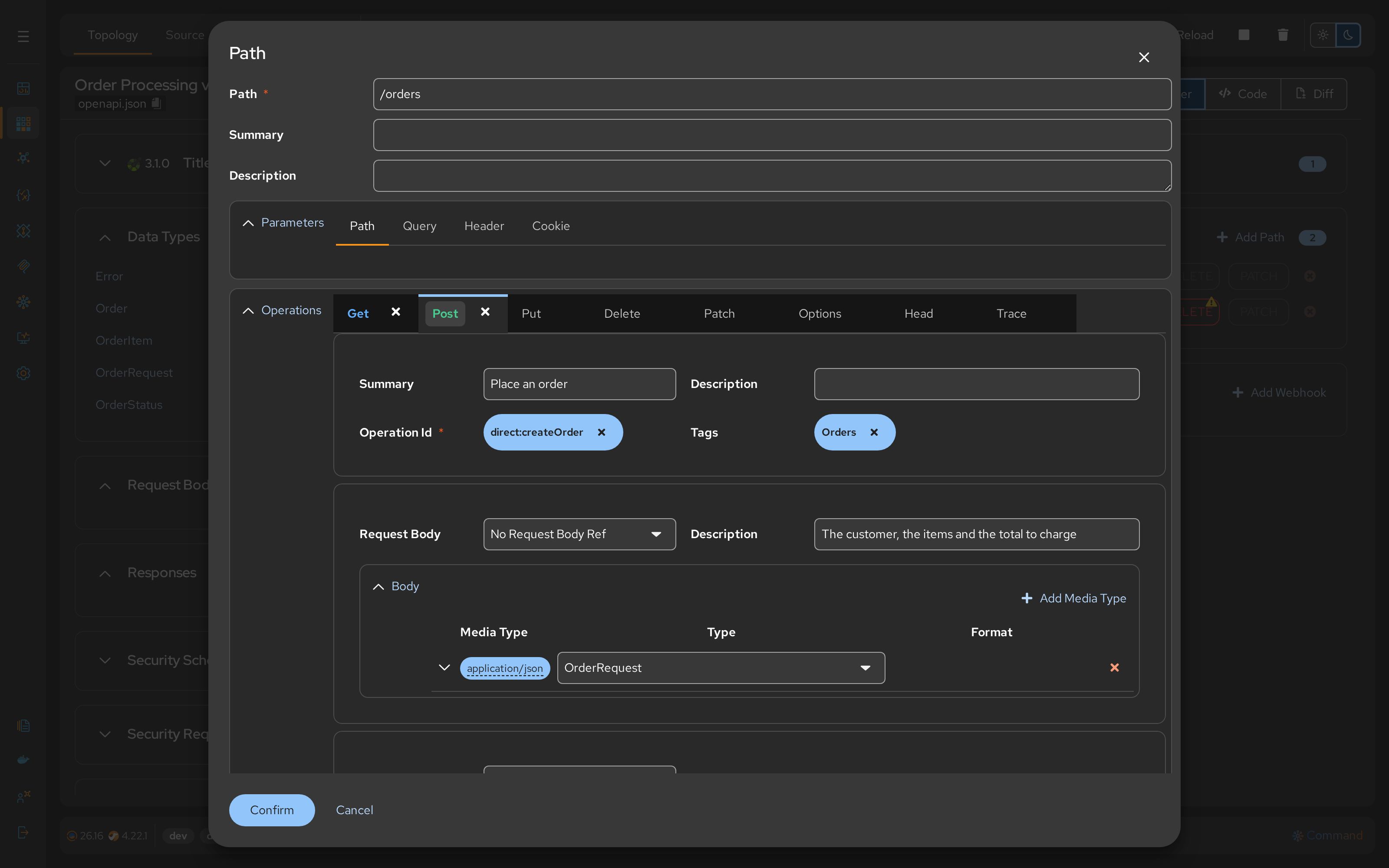
Define the HTTP actions (verbs) available on those paths.
- Action: Add
GET,POST,PUT,DELETEoperations. - Link: Associate the Request Bodies and Responses created in Configuration phase to these operations.
- Security: Apply specific Security Requirements (e.g., "Only Admin can DELETE").
Generation
The final phase transforms your REST contract into executable Camel routes.
Routes
Talisman generates the Apache Camel Route with direct:{{operationId}} for each Operation. An operation without a route shows a + button: click it to create the route.


- Output: Creates Camel route files (e.g.,
direct-{{operationId}}.camel.yaml) inside the project. - Direct Integration: Each operation (e.g.,
DELETE /orders/{orderId}withoperationId==cancelOrder) is linked to a direct consumer (e.g.,direct:cancelOrder) where the business logic is implemented.
Operations TryOut
Talisman features TryOut, a powerful, built-in testing interface similar to Postman. This allows engineers to validate APIs against the live environment without leaving the browser.
In Paths, hover an operation that has a route and click its try-out button (API Try-Out). This opens the interactive testing console for that specific endpoint.


For details on building requests and reading responses, please refer to the TryOut page.
Runtime Observability
When the API is running, Talisman provides deep insights into traffic patterns directly on the project topology. Integration engineers can visualize the complete flow of the REST API in a single graph. The central OpenAPI Definition connects to all the specific Camel routes that implement its operations.
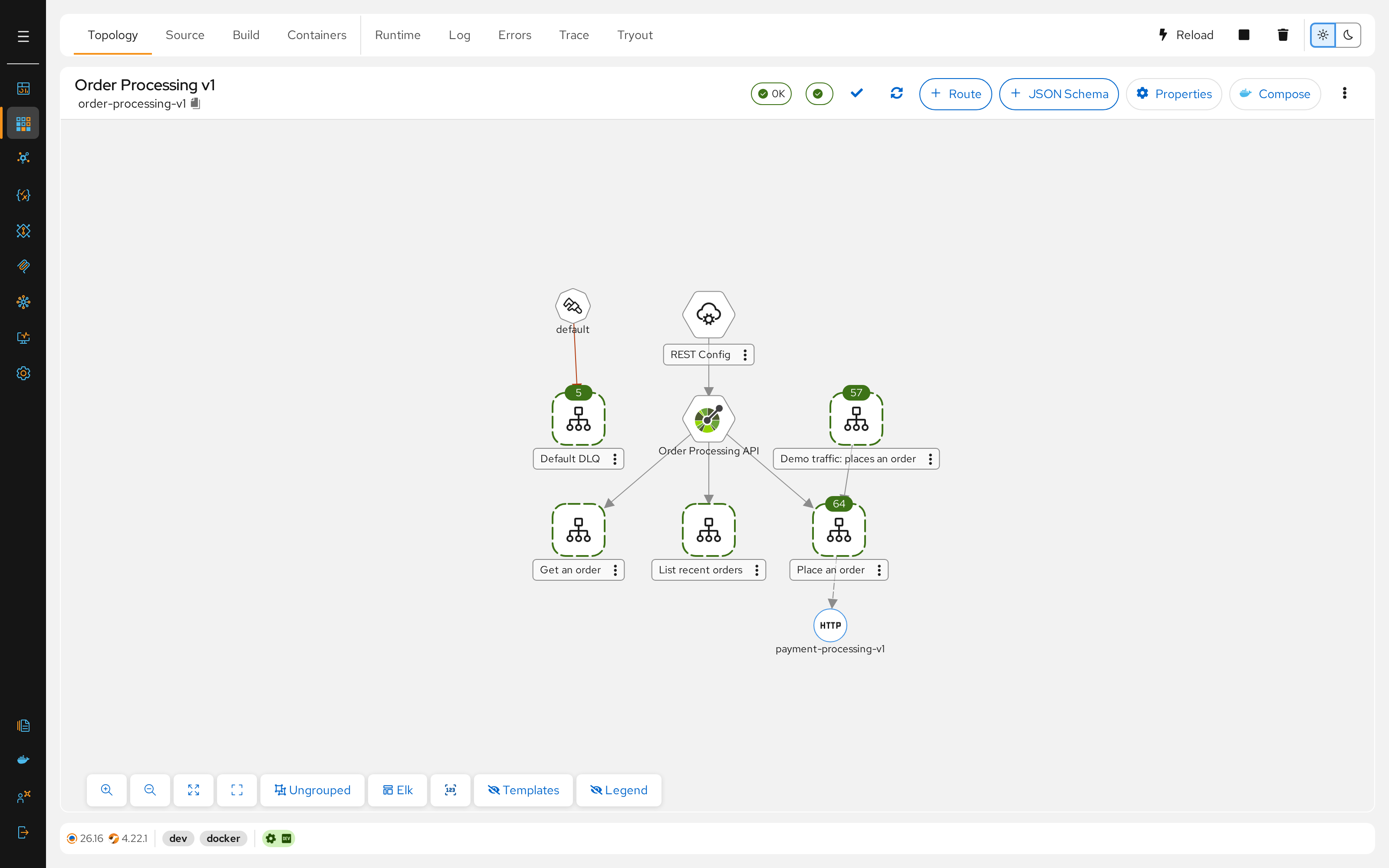
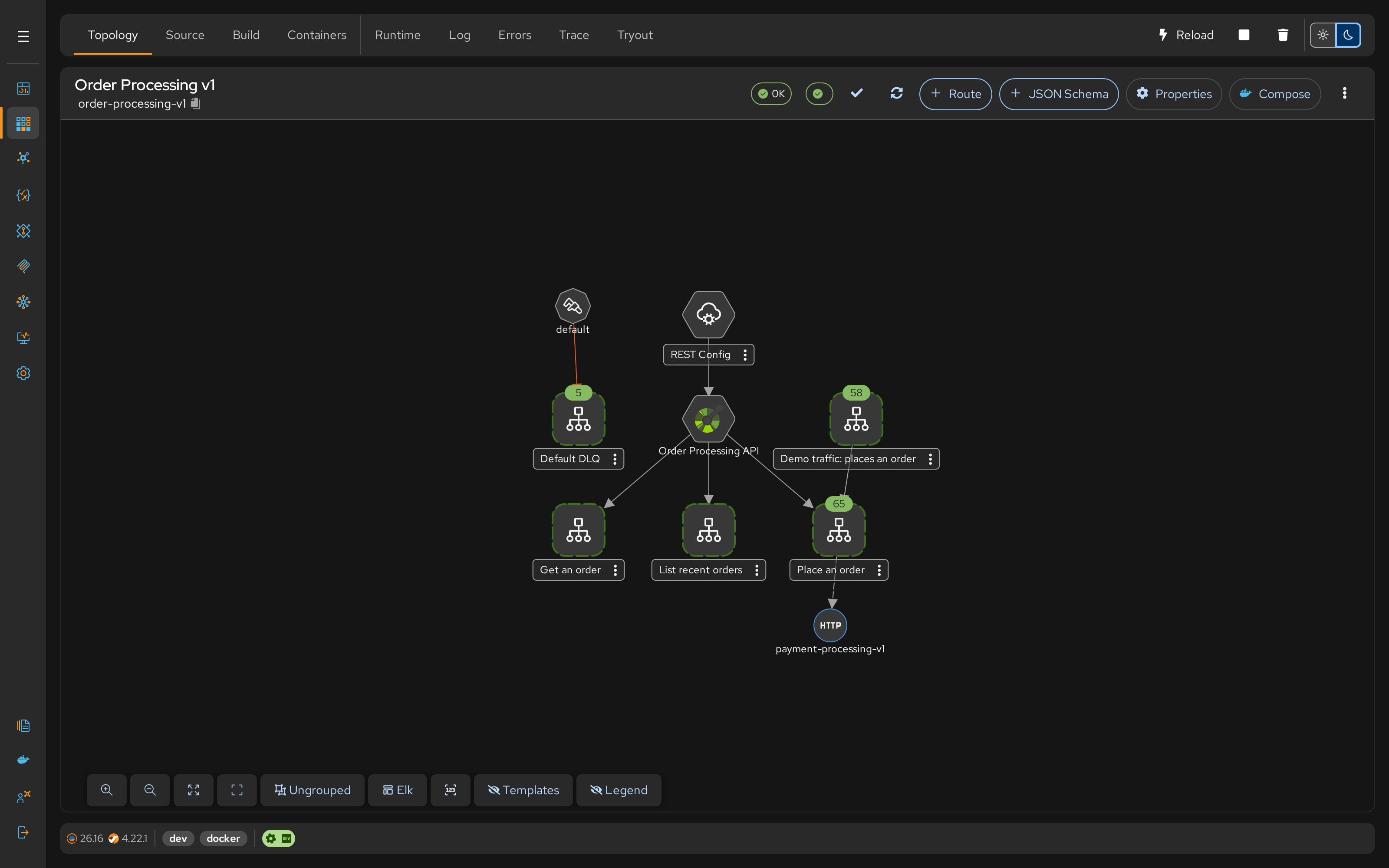
- Traffic Monitoring: Click Show stats in the topology toolbar to overlay real-time metrics on the route nodes.
- Metric Counters: Each operation route shows the count of messages it processed, and of messages in flight or failed when there are any.
- Drill-Down: Click into any route node (e.g.,
Place an order) to investigate specific logic or performance bottlenecks.